Most music apps promise everything. Studio-quality sound, endless features, pro-level tools. But the moment you open them, something feels off. Too many buttons. Too many choices. Too much friction between your idea and the actual music.
So instead of creating, you hesitate. You scroll. You try one app, then another. And just like that, the spark fades.
Here is the truth most people do not talk about. The best music production app is not the one with the most features. It is the one that gets out of your way. The one that lets you turn a random melody in your head into something real before the moment passes.
Today, your phone is more powerful than entire studios once were. You can sketch beats on a train, record vocals in your room, or build full tracks wherever inspiration hits.
Also, take a moment to understand the different Bluetooth versions so your headphones and devices stay perfectly in sync without lag.
This guide is here to help you cut through the noise and find the apps that actually make creating feel effortless, natural, and exciting again.Before you dive in, make sure your setup is ready. Even the best app will not sound right without the proper gear. Start by understanding the types of headphones that suit your production style.
Quick Picks: The Fast-Track Decisions
If you are ready to start recording right now, here are the standout choices based on the current landscape:
- Best Overall: Logic Pro for iPad
- Best Free: BandLab
- Best for Beginners: GarageBand
- Best for Android: FL Studio Mobile
- Best for iOS: Logic Pro for iPad
- Best AI Music App: Hypertron (for text-to-audio sample generation)
Pro-Tip:For even better sound quality, it helps to understand different Bluetooth codecs, which directly impact how your music is transmitted and heard.
Money-Saving Tip: If you are planning to upgrade your setup, keep an eye on Black Friday deals to grab premium apps and gear at a much lower cost.
Best Music Production Apps (Top Picks)
If you just want the best tools without going in circles, start here. These are the apps that consistently deliver, whether you care about pro-level control, speed, or simplicity. Each one earns its spot for a reason, so you can focus less on choosing and more on actually making music.
★ Best iPad DAW
1. Logic Pro for iPad
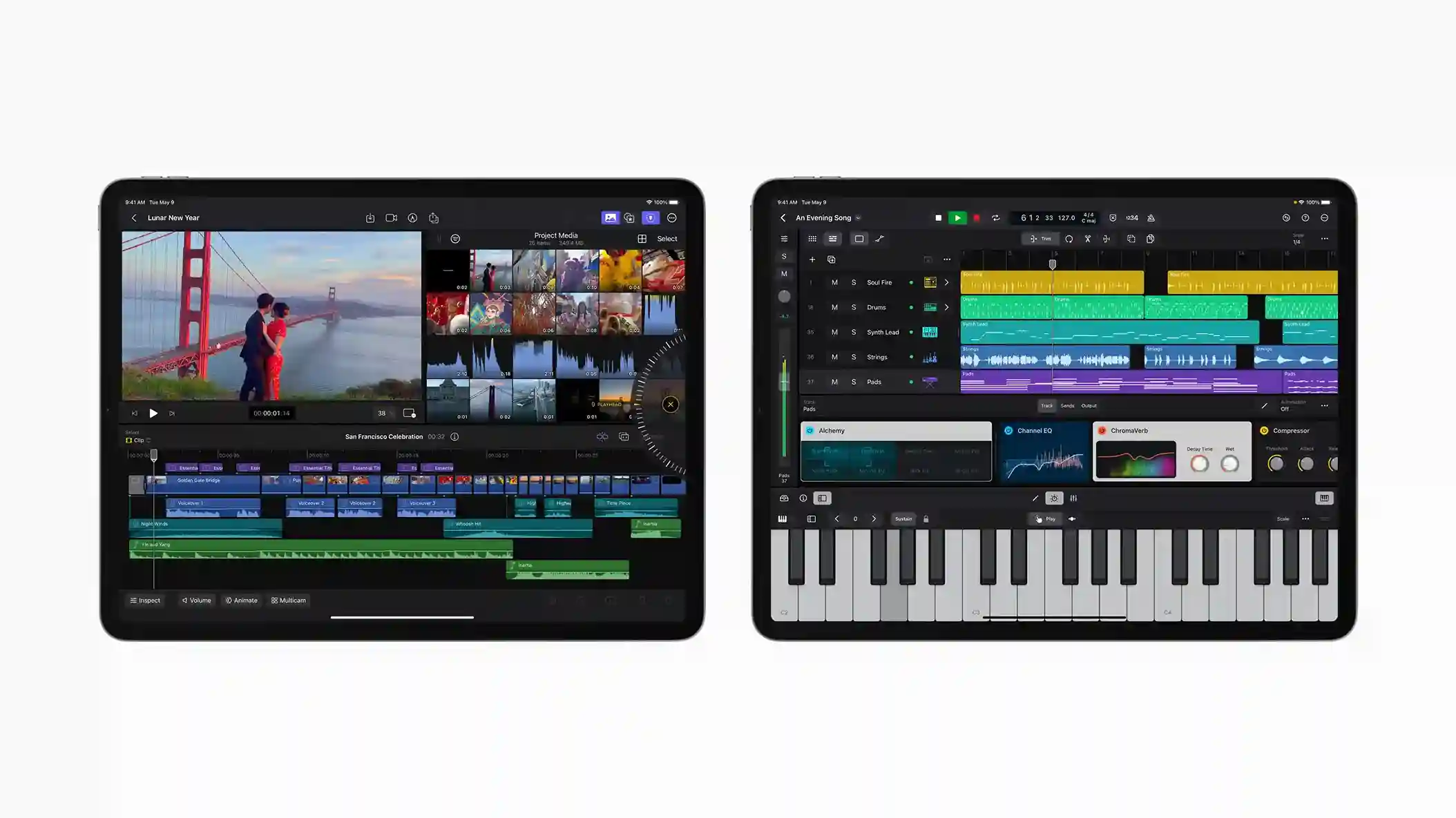
What’s good
- AUv3 support
- High-resolution audio (24-bit/48kHz)
- Professional plugins included
- Seamless desktop integration
Watch for
- Subscription-based pricing
- Only available on iOS
- Can feel complex for beginners
- Requires Apple ecosystem for best use
Pricing$4.99/month
★ Best audio engine
2. Cubasis 3
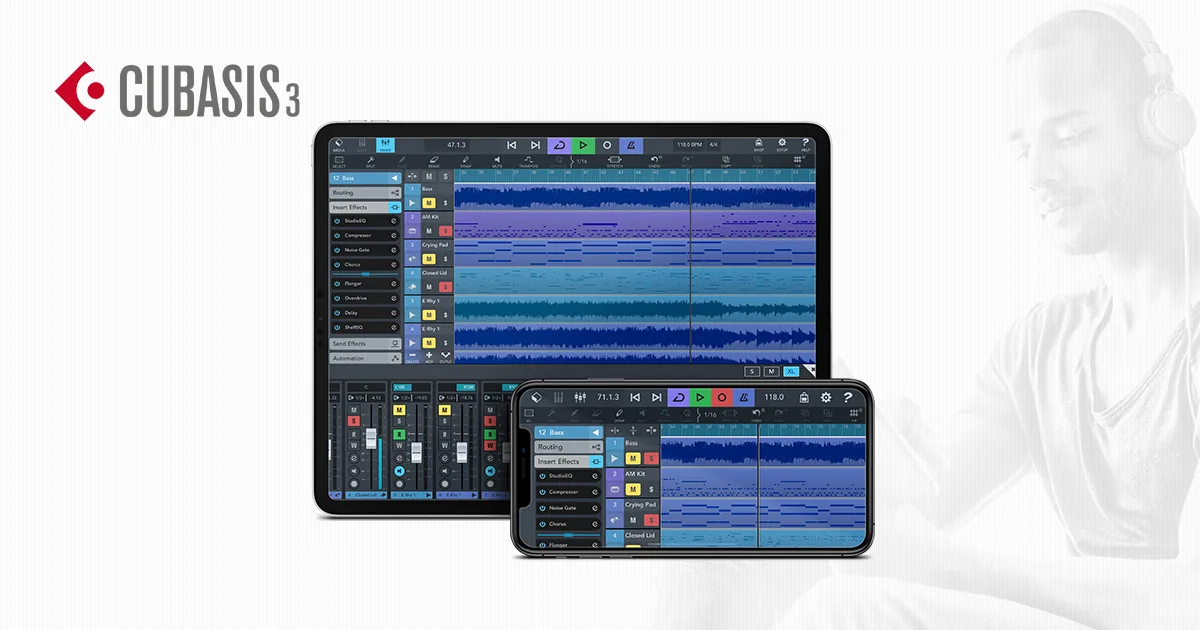
What’s good
- High-quality audio engine
- Cross-platform availability
- Unlimited track support
- Professional workflow
Watch for
- Higher upfront cost
- Steep learning curve
- Interface can feel dense
- Not beginner-friendly
Pricing$49.99
★ Best piano roll
3. FL Studio Mobile
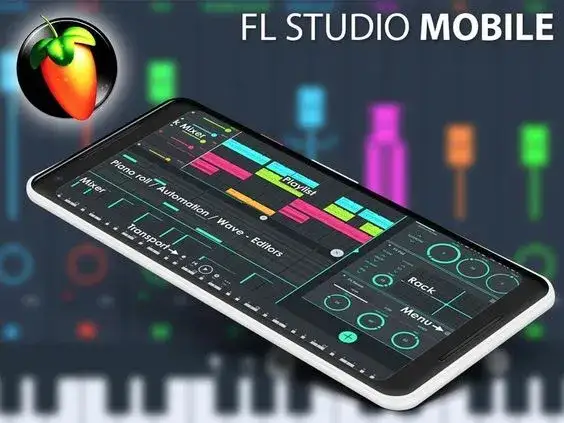
What’s good
- Excellent piano roll
- High-quality audio output
- Regular updates
- Cross-device project compatibility
Watch for
- In-app purchases required for full features
- Interface can feel crowded
- Learning curve for beginners
- Limited compared to desktop version
Pricing$14.99
★ Best free starter
4. GarageBand
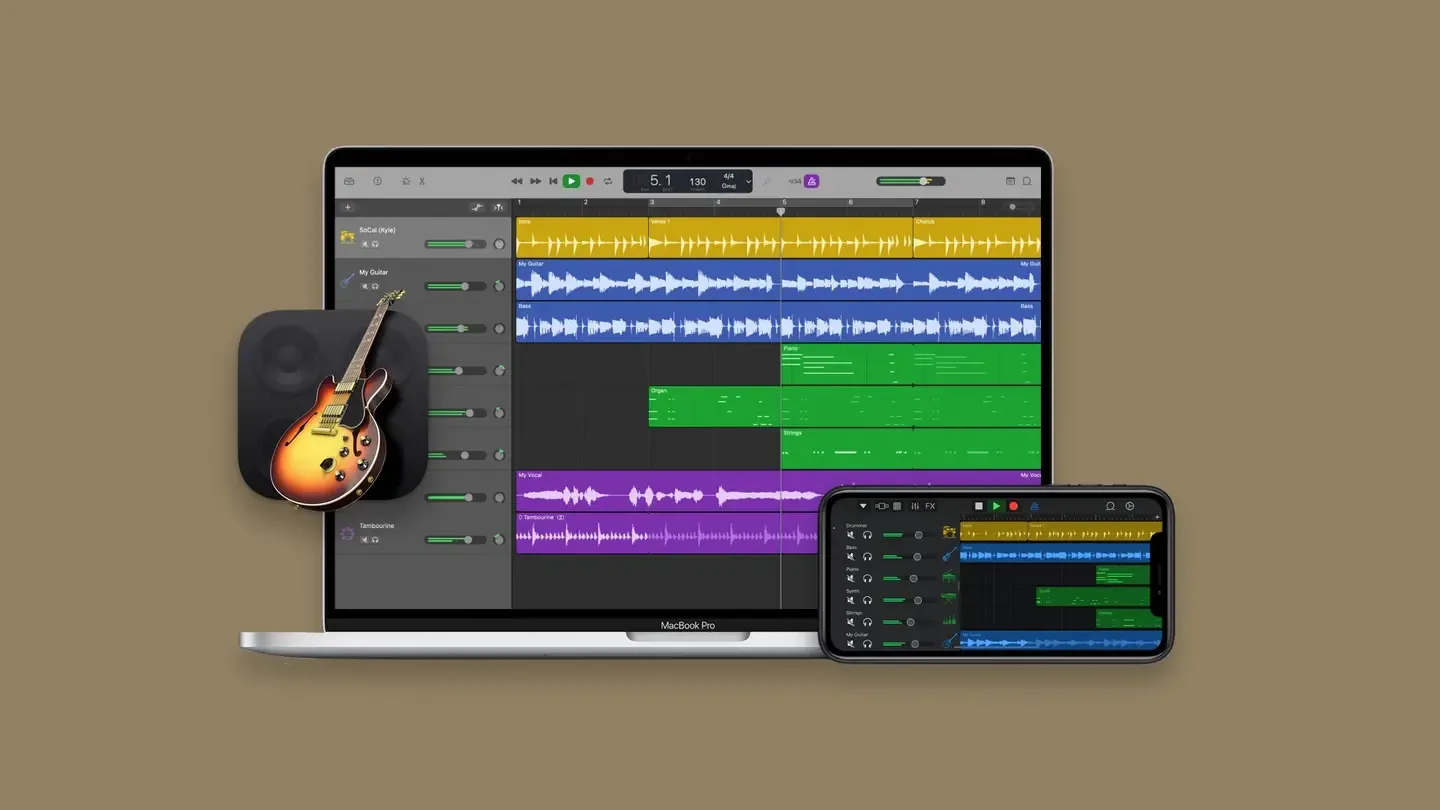
What’s good
- Free to use
- Intuitive interface
- High-quality sound library
- Beginner-friendly
Watch for
- Limited advanced features
- Only available on Apple devices
- Not ideal for complex mixing
- Less control for professionals
PricingFree
★ Best completely free
5. BandLab
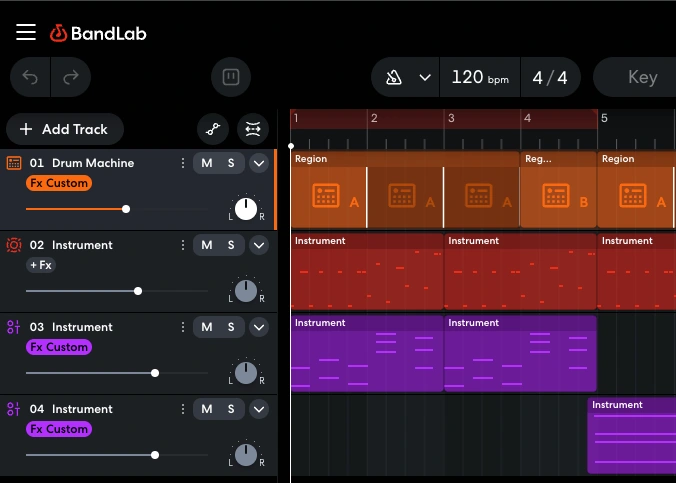
What’s good
- Completely free
- Cloud collaboration
- Cross-platform support
- Active creator community
Watch for
- Requires an internet connection
- Limited offline functionality
- The interface can feel overwhelming
- Less control for advanced production
PricingFree
★ Easiest to learn
6. Soundtrap
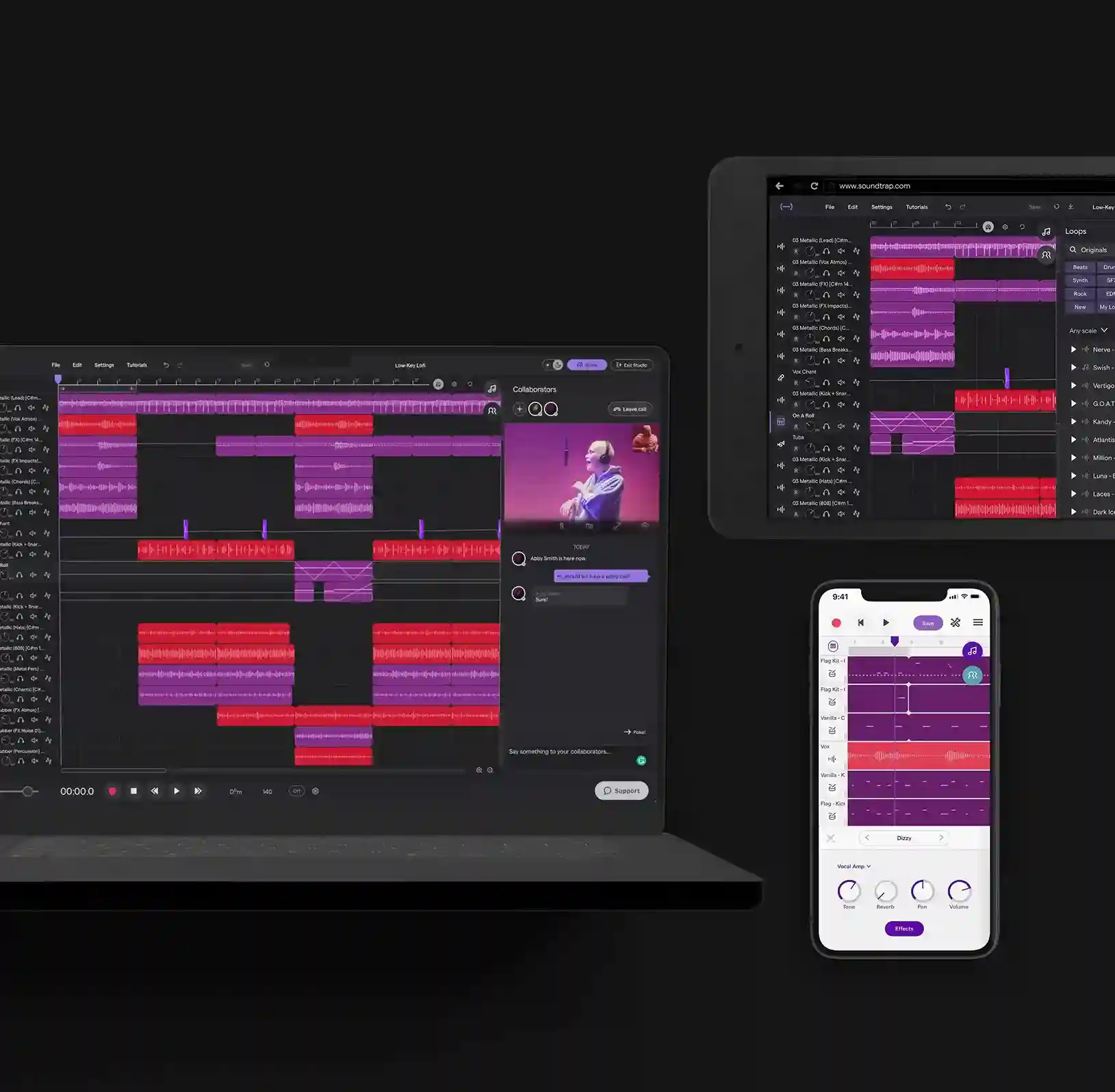
What’s good
- User-friendly interface
- Easy collaboration
- Built-in sound library
- Good for beginners
Watch for
- Subscription needed for advanced features
- Limited control in the free version
- Requires internet for full functionality
- Less powerful than pro DAWs
Pricing$9.99/month
★ Best budget sampler
7. Koala Sampler
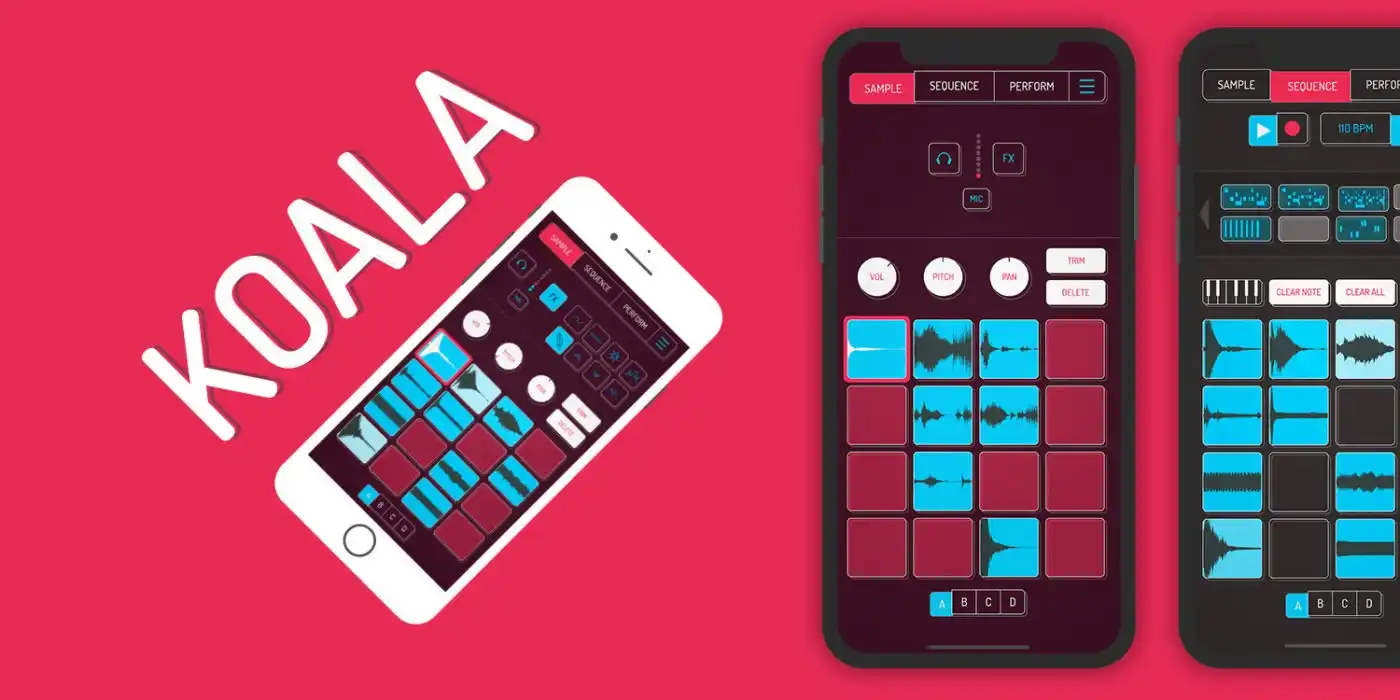
What’s good
- Very affordable
- Fast workflow
- Easy sampling
- Ableton Link support
Watch for
- Minimalist interface
- Limited advanced tools
- Not ideal for full compositions
- Less suited for complex genres
Pricing$3.99
★ Best lessons
8. Melodics
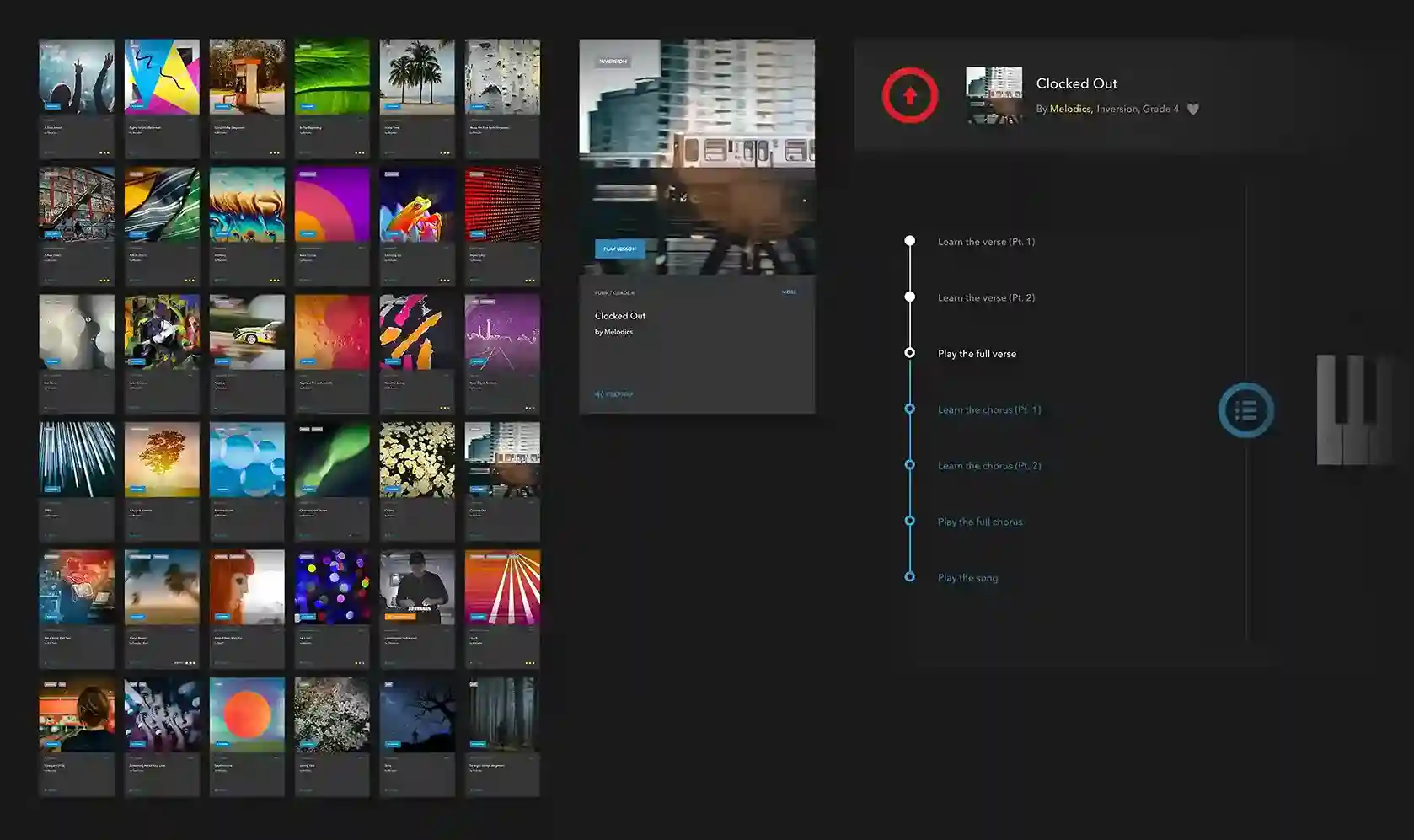
What’s good
- Structured lessons
- Real-time feedback
- Supports MIDI controllers
- Skill-focused training
Watch for
- Subscription required for full content
- Limited music production features
- Focused more on learning than creating
- Requires external hardware for best use
Pricing$29/month
★ Most instruments
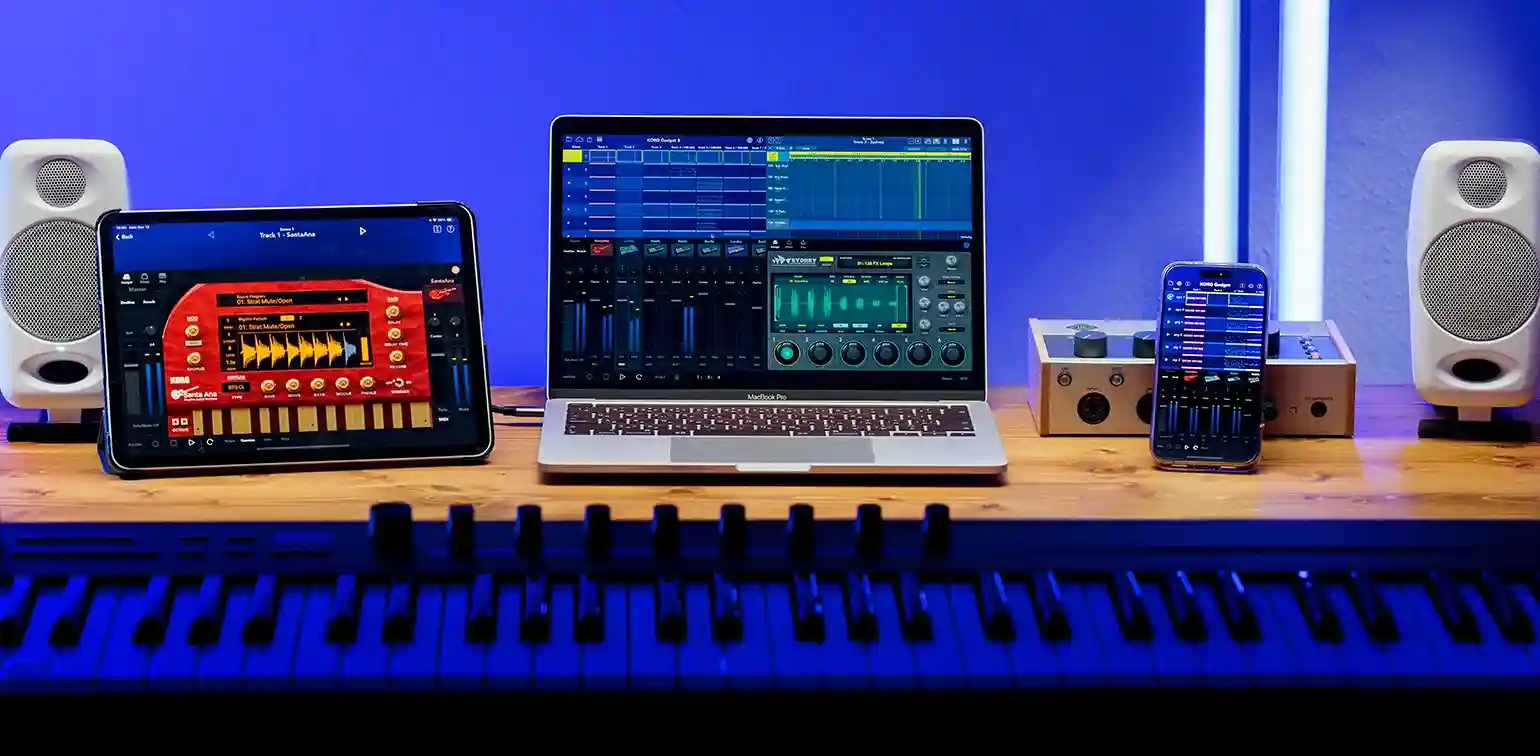
9. Korg Gadget 3
What’s good
- Wide variety of instruments
- High-quality sound engine
- Intuitive sequencing
- Great for electronic music
Watch for
- Premium pricing
- In-app purchases required
- Complex for beginners
- iOS-focused ecosystem
PricingPaid (Full versions often $39.99+)
★ Best multitrack pro
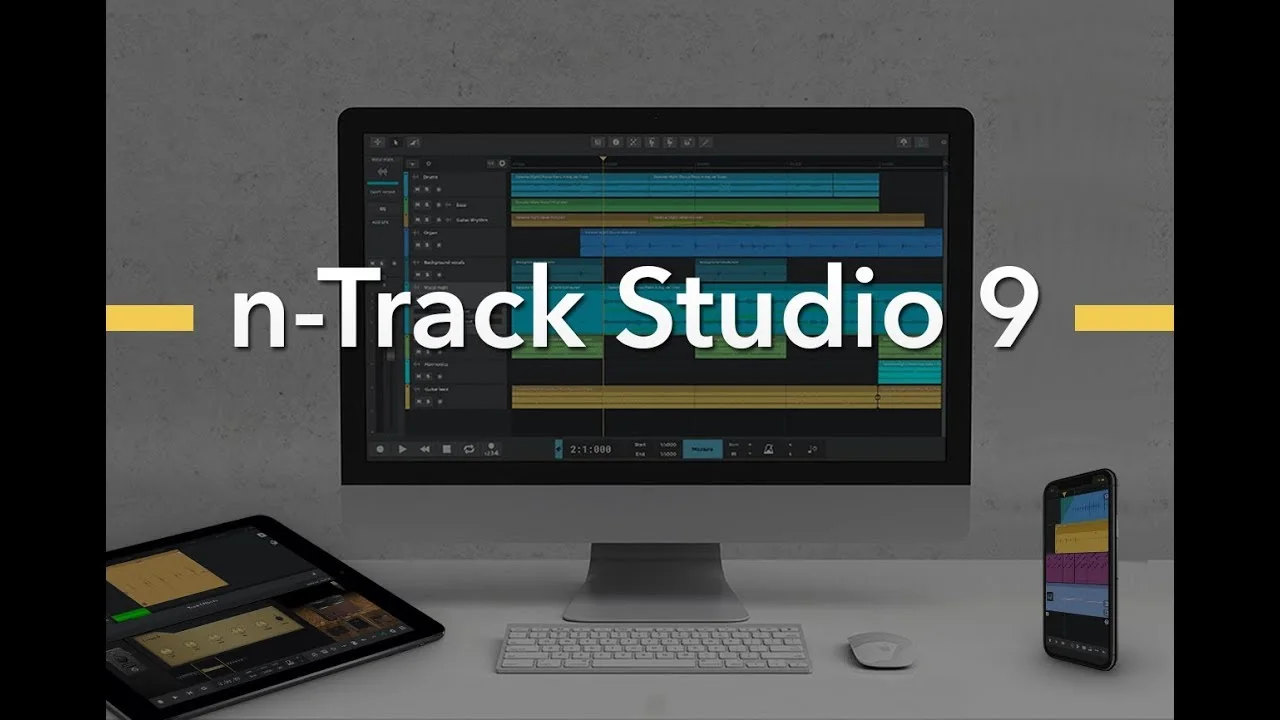
10. n-Track Studio Pro
What’s good
- Professional audio engine
- Supports external devices
- Multi-track recording
- Advanced editing tools
Watch for
- Complex interface
- Learning curve for beginners
- Paid features required
- Less intuitive than loop-based apps
Pricing$1.49/month
★ Best for beginners
11. Music Maker JAM
What’s good
- Easy to use for beginners
- Free basic version available
- A large community for sharing music
- Wide range of genres
Watch for
- Limited control for advanced users
- In-app purchases can get expensive
- A loop-based system can feel repetitive
- Less suitable for detailed production
Pricing$4.99/month
★ Most intuitive
12. Beat Maker Go

What’s good
- Intuitive interface
- High-quality samples
- Regular updates
- Great for beat-focused production
Watch for
- Expensive with in-app purchases
- Limited export options in the free version
- Not ideal for full track production
- Heavy reliance on presets
Pricing$4.99-$9.99/month
★ Simplest starter
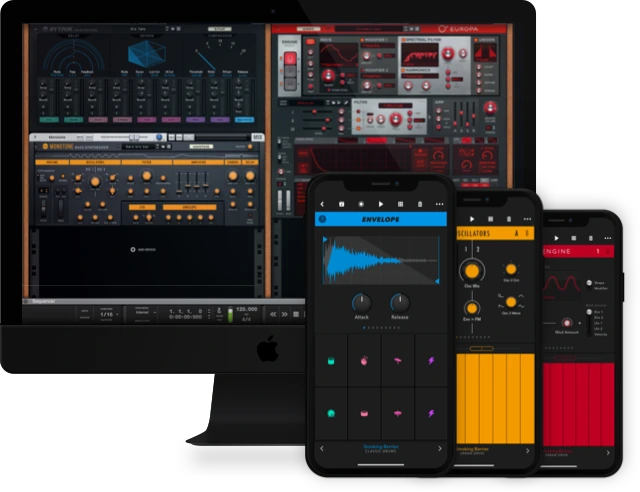
13. Reason Compact
What’s good
- Easy-to-use interface
- High-quality synth sounds
- Fast workflow for idea creation
- Great for beginners and intermediate users
Watch for
- Limited features compared to desktop DAWs
- Advanced tools require in-app purchases
- iOS only
- Not ideal for full track production
PricingFree
★ Best recording
14. Audio Evolution Mobile Studio
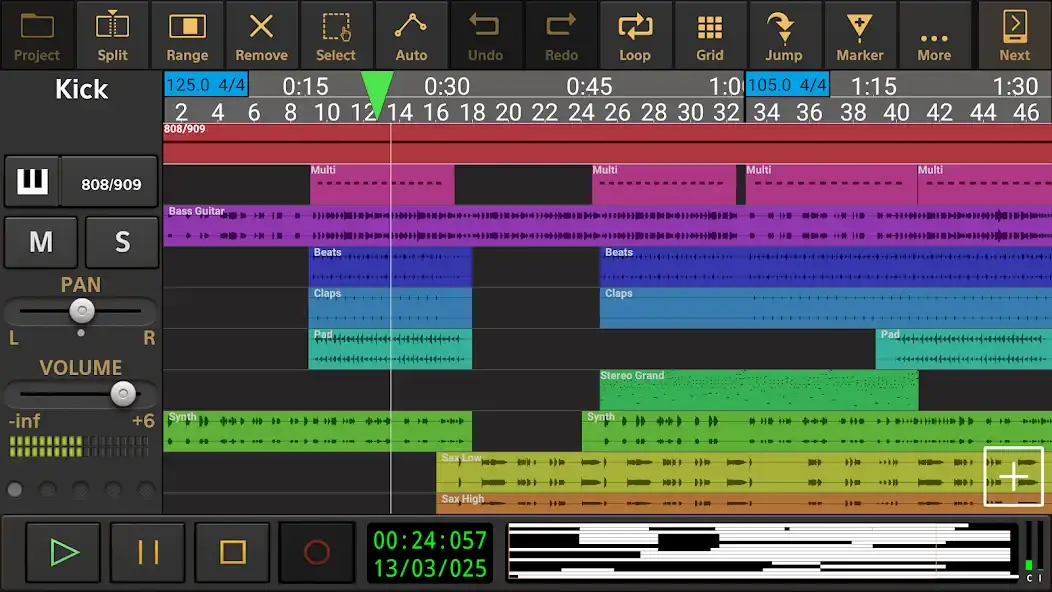
What’s good
- High-quality recording capabilities
- Supports USB audio interfaces
- Advanced editing tools
- Professional features
Watch for
- Complex interface
- Paid features required for full use
- Learning curve for beginners
- Limited free functionality
Pricing$9.99 with in-app purchases
★ Best budget synth
15. Caustic 3
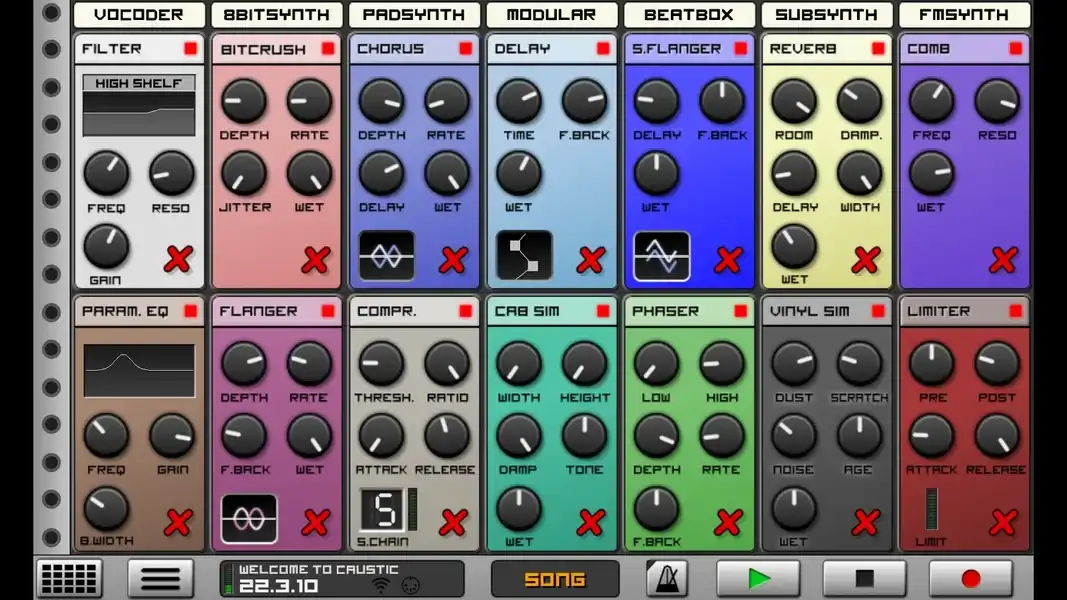
What’s good
- Affordable
- Powerful synth engine
- Wide range of instruments
- Great for electronic music
Watch for
- Not beginner-friendly
- Outdated interface design
- Limited updates
- No real-time collaboration
Pricing$10-$15/month
★ Simplest pads
16. Drum Pad Machine
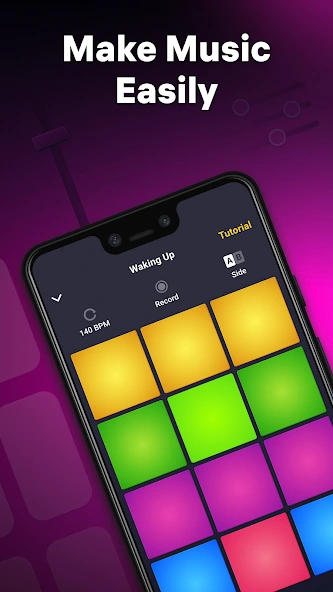
What’s good
- Simple and intuitive
- High-quality sound packs
- Regular updates
- Great for beginners
Watch for
- Limited advanced features
- In-app purchases required
- Not suitable for full production
- Repetitive workflow
Pricing$4.99-$9.99/month
★ Cleanest design
17. Auxy Studio
What’s good
- Clean and simple interface
- High-quality sounds
- Easy workflow
- Great for electronic music
Watch for
- Subscription required for full features
- Limited export options
- Not suited for complex arrangements
- iOS only
Pricing$4.99/month
★ Easiest loops
18. Groovebox
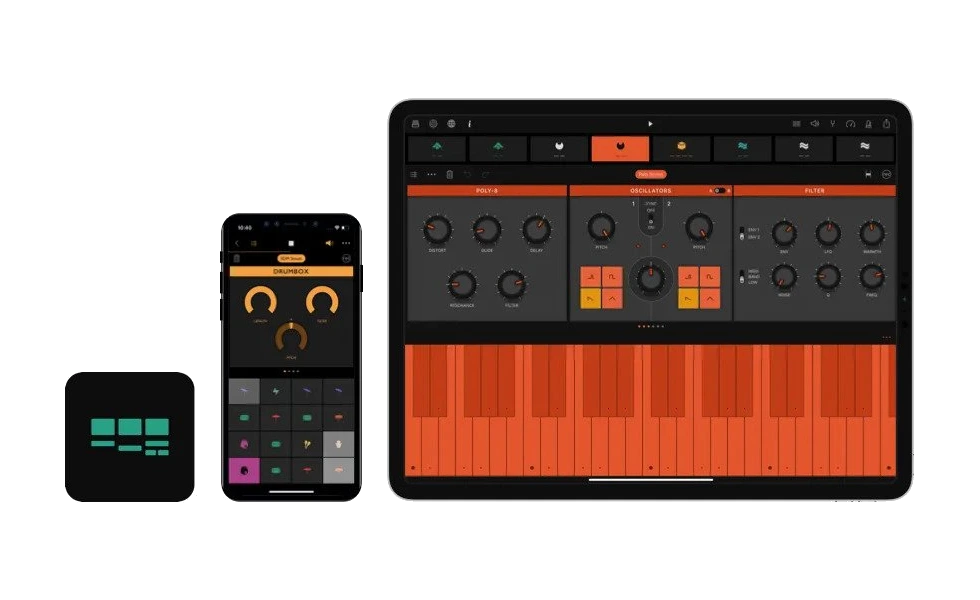
What’s good
- Easy to use
- High-quality sounds
- Quick music creation
- Regular updates
Watch for
- Limited features in free version
- In-app purchases required
- Not ideal for full production
- iOS only
PricingFree
★ Best samples
19. Maschine 2
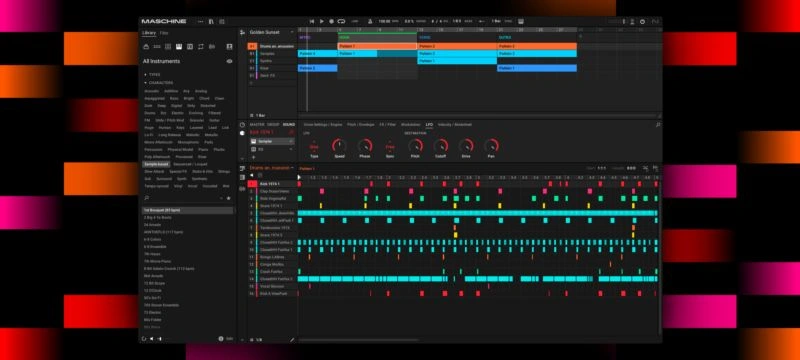
What’s good
- High-quality samples
- Intuitive workflow
- Portable beat making
- Great for quick ideas
Watch for
- Limited full-track production
- Requires additional purchases
- iOS only
- Less advanced mixing tools
Pricing$9.99 with in-app purchases
★ Best DJ tools
20. DJay
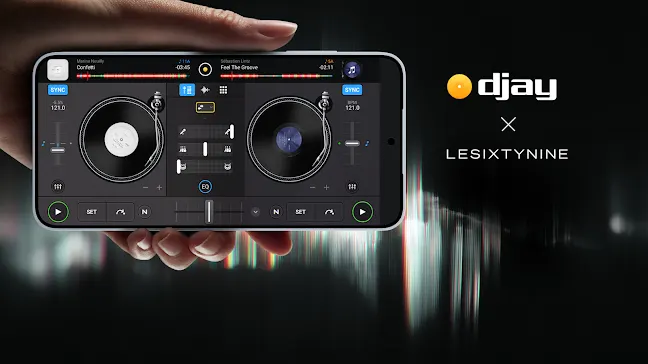
What’s good
- Powerful DJ features
- Integration with streaming platforms
- User-friendly interface
- Great for live performances
Watch for
- Advanced features require a subscription
- Not focused on full music production
- Learning curve for beginners
- Limited offline functionality
Pricing$6.99/month
★ Best virtual band
21. Walk Band
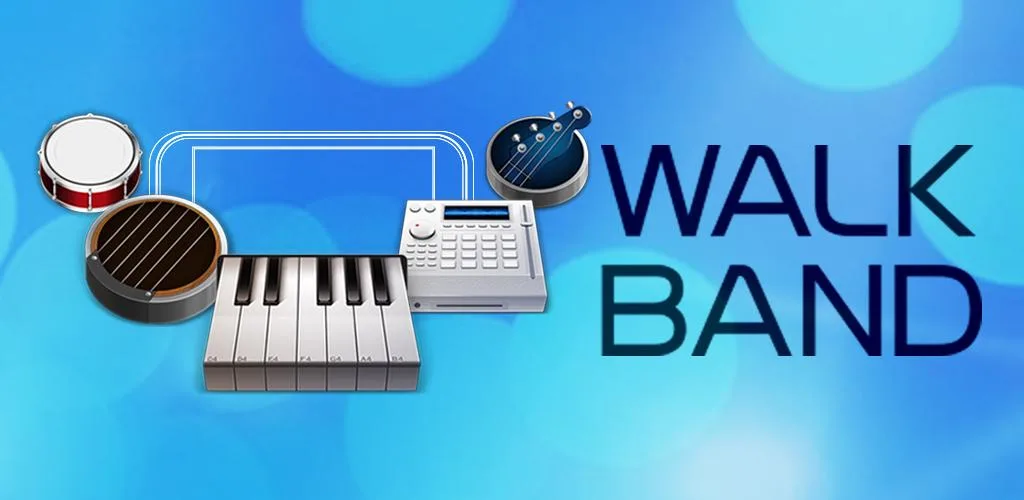
What’s good
- Wide range of virtual instruments
- Good for beginners
- Free to use
- Supports MIDI keyboards
Watch for
- Interface feels outdated
- Ads in the free version
- Limited professional features
- Sound quality varies across instruments
PricingFree
Best Music Production Apps for Beginners
Starting out can feel overwhelming, but the right app makes it surprisingly fun. GarageBand is perfect if you are on iOS. Its Smart Instruments do most of the heavy lifting, so you can focus on creating instead of figuring things out.
BandLab takes a different approach. It feels more like a creative community where you can explore, learn from others, and even build on existing tracks. For a beginner, that makes the whole process feel less like learning and more like playing.
Free Music Production Apps: No-Budget Brilliance
- You do not need a big budget to make real music.
- BandLab gives you a full studio experience without spending a single rupee.
- AudioKit Synth One delivers pro-level sounds that rival paid plugins.
- GarageBand comes ready to go on Apple devices and makes starting effortless.
The Reality Check:
- Free apps are powerful, but not limitless.
- Some tools need the internet for advanced features like Auto-Tune or automation.
- Others’ cap tracks or effects unless you upgrade.
- Still, they are more than enough to turn an idea into a finished track.
Android Music Production Apps: The Flexibility Factor
- Android gives you freedom that most creators overlook.
- Easy file access means managing samples and projects feels natural, not restrictive.
- FL Studio Mobile and Cubasis 3 lead the pack with reliable, pro-level tools.
- n-Track Studio Pro stands out for recording live instruments with external gear.
Why it matters:
- More control over your files.
- Better flexibility for serious creators.
- A setup that adapts to how you work.
iOS Music Production Apps: The Low-Latency Standard
- iOS feels fast because it is built for this.
- Almost zero delay between tapping and hearing the sound.
- Apps work together like a connected system.
- Logic Pro for iPad delivers full-scale production power.
- Reason Compact brings a legendary sound engine into your pocket.
What makes it special:
- Smooth performance.
- Seamless app integration.
- A polished, studio-like experience on mobile.
AI Apps for Music Production: The New Frontier
- Staring at a blank screen is no longer a problem.
- AI now helps you start before you overthink.
- Hypertron creates unique sounds from simple ideas.
- Splice Mobile suggests ready-made sound stacks based on your vibe.
What this changes:
- Faster creativity.
- Endless inspiration.
- You shape the idea instead of searching for it.
Conclusion
Making music no longer belongs to expensive studios or complicated setups. It lives right in your hands. The only thing that really matters now is how you choose to use it.
If you want structure and precision, go with Cubasis 3. If you thrive on collaboration and shared creativity, BandLab opens that door instantly. And if your ideas come from the world around you, Koala Sampler lets you turn everyday sounds into something uniquely yours.
But here is the truth. The perfect app will not make your music for you. Starting will.
So stop switching between options, stop overthinking, and open one app right now. That random idea in your head could be your best track yet.
As you explore these apps, combining them with the right digital tools and resources can take your creativity and workflow even further.And when you finally create something you are proud of, you can even celebrate it creatively by designing Custom Lapel Pins inspired by your music and style.
FAQs
1) Which is the best free music production app?
BandLab is the top choice. It is a completely free, cloud-based platform that includes instruments, loops, and collaboration tools with no upfront cost or hidden fees.
2) What is the easiest music production app for beginners?
GarageBand is widely considered the easiest. Its intuitive design and Smart Instruments make it accessible for people with no prior music production experience.
3) Are mobile music production apps good enough for professionals?
Yes. Professional producers such as Finneas O’Connell and Mark Ronson use mobile DAWs like Logic Pro and Cubasis for major projects. These apps support high-resolution audio and professional-grade plugins.
4) Who offers leading apps for DIY music production?
Apple (GarageBand/Logic Pro), Steinberg (Cubasis), and BandLab are currently the industry leaders in providing tools for the independent creator.