


You hand your child a phone for a few quiet minutes. Maybe it is for a song, a rhyme, or just something to keep them happily occupied. They tap, they explore, they smile. And for a moment, everything feels harmless.
Until it doesn’t.
Because today’s music apps are not built only for kids. One wrong suggestion, one autoplay, one innocent search, and suddenly, you are not so sure what they are hearing anymore. It is not always obvious. Sometimes it hides in lyrics, sometimes in stories, sometimes in places you would never think to check.
That quiet uncertainty is what makes modern parenting harder than it should be.
But here is the good news. There are still spaces where music feels the way it is supposed to feel for children. Safe, joyful, creative, and full of wonder.
This guide cuts through the noise and shows you exactly where those spaces are. No guesswork. Just the music apps for kids that you can trust, and your child will actually love.If you are also thinking about improving how your child listens, learning how to choose headphones can make a big difference in both safety and comfort.
Key Takeaways
- Most music apps aren’t built for kids: safety and content control matter.
- Kid-safe platforms like Spotify Kids and YouTube Kids reduce risks.
- Pick apps based on use: listening, learning, or creating.
- Free apps = more ads, less control.
- Music apps can boost memory, creativity, and focus.
- Parental guidance matters more than the app itself.
How We Compared These Apps
Safety restrictions, age appropriateness, content quality, learning value, cost, and platform accessibility were the criteria we used to evaluate these music apps.
Additionally, we analyzed each app’s performance in several real-world usage scenarios, including children using it independently, parental oversight features, and content discovery behavior.
Safety screening, engagement level, learning depth, pricing transparency, and long-term usefulness across age groups were the five main criteria used to evaluate each app.
Best Music Apps for Kids in 2026
If you just want the right picks without overthinking it, start here. These are not random apps. These are the ones parents keep coming back to because they feel safe, actually engage kids, and do more than just play background noise.
1. Spotify Kids
Spotify Kids is designed specifically for younger listeners, offering a curated environment that removes explicit content and unsafe recommendations.
It keeps everything age-appropriate and simple to use while introducing kids to a wide range of songs.
The software divides information according to age groups so that recommendations for younger and older children are varied.
- Highly curated library with strict content filtering
- Separate modes for younger kids and older children
- Easy-to-use interface designed for independent use
- Large catalog adapted from Spotify’s main library
- No ads within the Kids environment
- Requires a Spotify Premium Family subscription
- Limited discovery compared to the main Spotify
- No interactive learning or music creation tools
- Dependent on parent account setup
Pricing: $21.99/month (via Family Plan)
Platform: iOS, Android
2. Apple Music
Apple Music provides a large catalog with curated playlists for kids such as Disney collections and classical music.
Parents can filter explicit content and create a safer listening experience.
Its ecosystem integration allows seamless use across devices like iPhones, iPads, and smart speakers.
- Extensive global music library across genres
- Strong parental control settings for explicit content
- High audio quality compared to most apps
- Works across multiple Apple and non-Apple devices
- Not designed specifically for kids
- No dedicated child interface
- Requires manual parental setup
- Limited interactive or educational features
Pricing: $10.99 per month – $16.99/month
Platform: iOS, Android, macOS, Windows
3. Baby Mozart
Baby Mozart focuses on calming classical music for infants and toddlers.
It introduces children to music early in a soothing and simple way.
The app emphasizes passive listening rather than interaction, making it suitable for calming routines.
- Designed specifically for infants and toddlers
- Soothing classical compositions for relaxation
- No risk of inappropriate content
- Simple and distraction-free interface
- Very limited music variety
- No interactive or engaging elements
- Not suitable for older children
- Minimal feature set
Pricing: Free with in-app purchases
Platform: iOS
4. iHeartRadio Family

iHeartRadio Family offers curated radio stations for kids and families.
It combines songs, stories, and live radio in a controlled environment.
Its radio-style format reduces decision fatigue for younger users who prefer passive listening.
- Free access to a wide range of curated stations
- Includes music, stories, and live content
- Simple listening experience without navigation complexity
- Suitable for all age groups
- Ads in the free version
- Limited control over specific song selection
- Radio format restricts personalization
- Premium required for full control
Pricing: Free with ads or $4.99 0 $9.99/month
Platform: iOS, Android
5. Sesame Street
Sesame Street’s music experience allows children to sing along with familiar characters like Elmo and Big Bird.
It focuses on early learning through music and repetition. The familiarity of characters increases engagement for younger children.
- Highly engaging for preschool-aged children
- Educational content with repetition-based learning
- Safe and trusted brand environment
- Encourages participation through sing-alongs
- Limited music library
- Not suitable for older children
- Focused mainly on entertainment over skill-building
- Minimal customization options
Pricing: ~$9.99/month
Platform: iOS, Android
6. Sago Mini Music Box
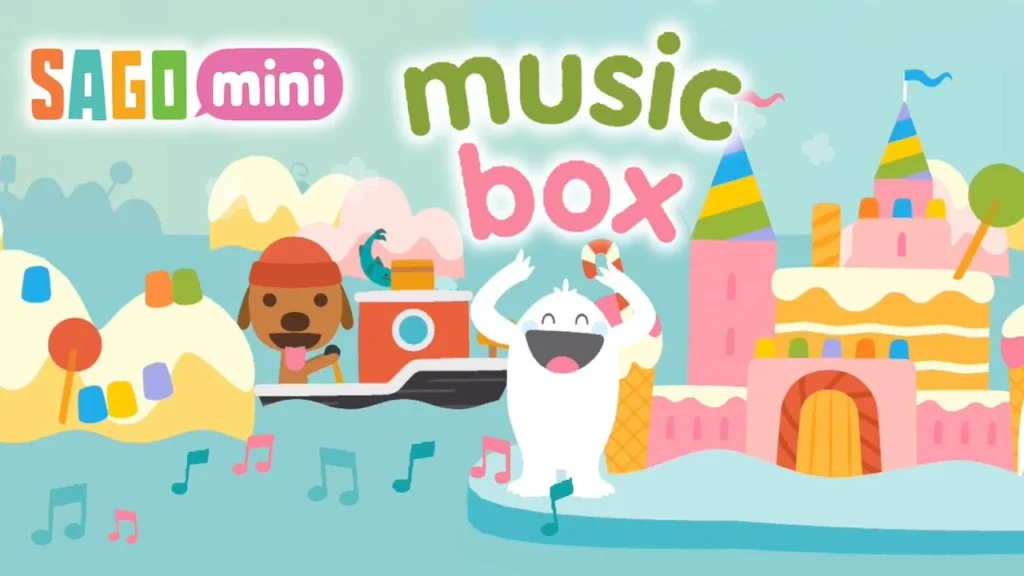
Sago Mini Music Box is an interactive app where kids explore sounds using virtual instruments.
It is designed for hands-on play and creativity. The app encourages experimentation rather than structured learning.
- Fully interactive with hands-on music creation
- Ad-free experience for safer usage
- Designed specifically for toddlers
- Encourages creativity through play
- Limited depth for long-term engagement
- Small content library
- Not suitable for older children
- No structured learning progression
Pricing: $6.99/month
Platform: iOS, Android
7. Piano Kids – Music & Songs
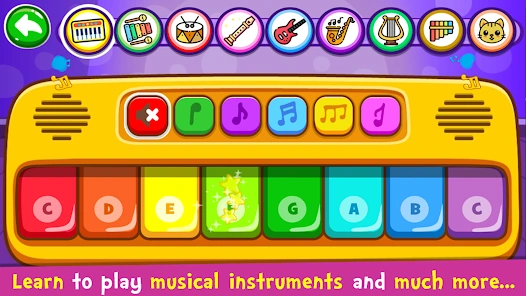
Piano Kids – Music & Songs introduces children to basic musical concepts like rhythm, melody, and sound through interactive play.
It allows kids to explore multiple instruments such as piano, drums, guitar, and flute in a fun and engaging way.
The app includes different modes like instruments, songs, sounds, and games, making it suitable for both learning and entertainment.
- Easy to use interface designed for young children
- Multiple instruments available in one app
- Encourages early music exploration and creativity
- Bright visuals and engaging sound effects
- Contains ads in the free version
- Limited advanced learning features
- Repetitive gameplay over time
- Not suitable for older children or structured learning
Pricing: Free with in-app purchases
Platform: iOS, Android
8. YouTube Kids
YouTube Kids provides access to music videos, songs, and educational content in a filtered environment.
Parents can customize controls to improve safety.
Its algorithm is restricted compared to the main YouTube platform, but still requires supervision.
- Massive content library, including global music
- Strong parental control customization
- Video-based learning improves engagement
- Free access without a mandatory subscription
- Ads in the free version
- The algorithm may still surface irrelevant content
- Requires monitoring for younger children
- Limited offline functionality without Premium
Pricing: Free with ads or $13.99 per month for Premium.
Platform: iOS, Android
9. Mussila Music School
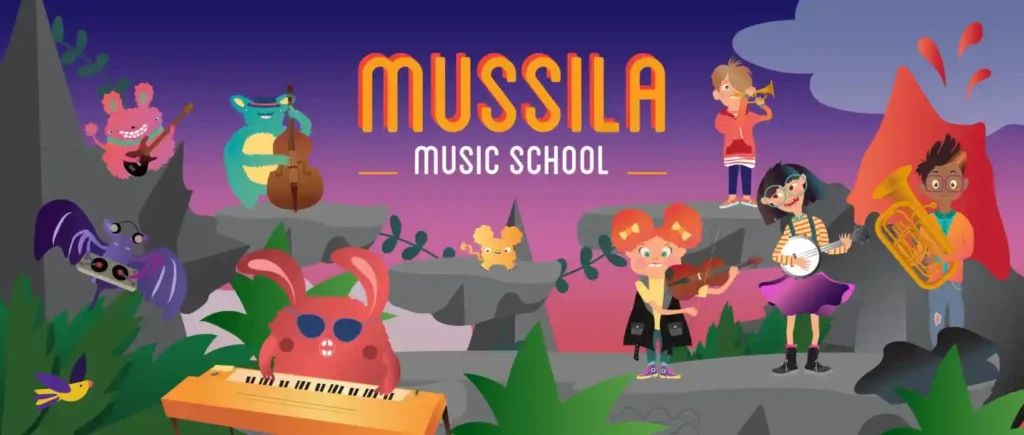
Mussila Music School focuses on structured learning, teaching rhythm, notes, and music basics.
It turns music into an engaging educational experience.
The curriculum is designed like a game, blending education with interaction.
- Structured lessons covering music theory basics
- Gamified learning approach
- Suitable for progressive skill development
- Encourages active participation
- Subscription required for full access
- Less suitable for casual listening
- The interface may feel complex for younger kids
- Requires consistent use for results
Pricing: $9.99/month
Platform: iOS, Android
10. Putumayo Kids
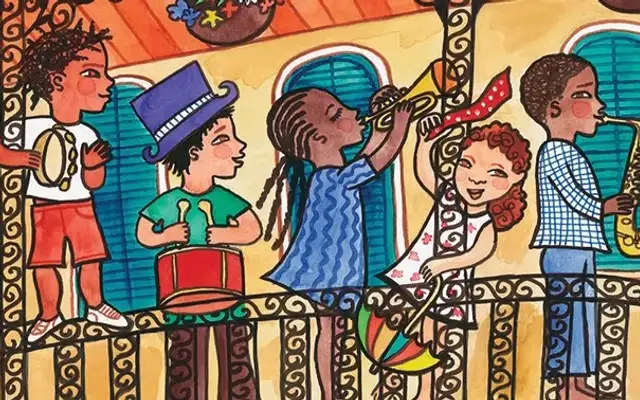
Putumayo Kids introduces children to music from around the world through curated collections of global songs and cultural sounds.
It helps kids explore different musical traditions, instruments, and languages in an engaging and educational way.
The platform focuses on multicultural exposure, making it ideal for parents who want their children to experience music beyond mainstream genres.
- Strong focus on global and cultural music
- High-quality, curated song collections
- Encourages cultural awareness and curiosity
- Suitable for family listening and education
- Not an interactive app
- Limited content compared to streaming platforms
- Requires external platform access for streaming
- Less engaging for very young children
Pricing: Varies by album or platform
Platform: Web, iOS, Android
11. Yousician
Yousician is an interactive music learning app that teaches kids how to play instruments like piano, guitar, and ukulele through step-by-step lessons.
It listens to the user play and provides real-time feedback, helping children improve their skills as they practice.
The app combines structured lessons with gamified challenges, making music learning more engaging and measurable over time.
- Real-time feedback improves learning accuracy
- Covers multiple instruments in one app
- Structured lessons for progressive skill development
- Gamified experience keeps kids engaged
- Full access requires a paid subscription
- May feel complex for younger children
- Requires consistent practice for results
- Limited free version
Pricing: Free plan available; Premium starts at $19.99/month
Platform: iOS, Android
12. PlayKids
PlayKids combines music with games and educational content.
It creates a broader learning environment beyond just music.
The app integrates multiple learning categories including storytelling and games.
- Safe and ad-free environment
- Wide variety of educational content
- Suitable for younger children
- Parental control features included
- Music is not the primary focus
- Subscription required
- Limited depth in music learning
- Content spread across categories
Pricing: $9.99/month
Platform: iOS, Android
13. Toca Dance Free
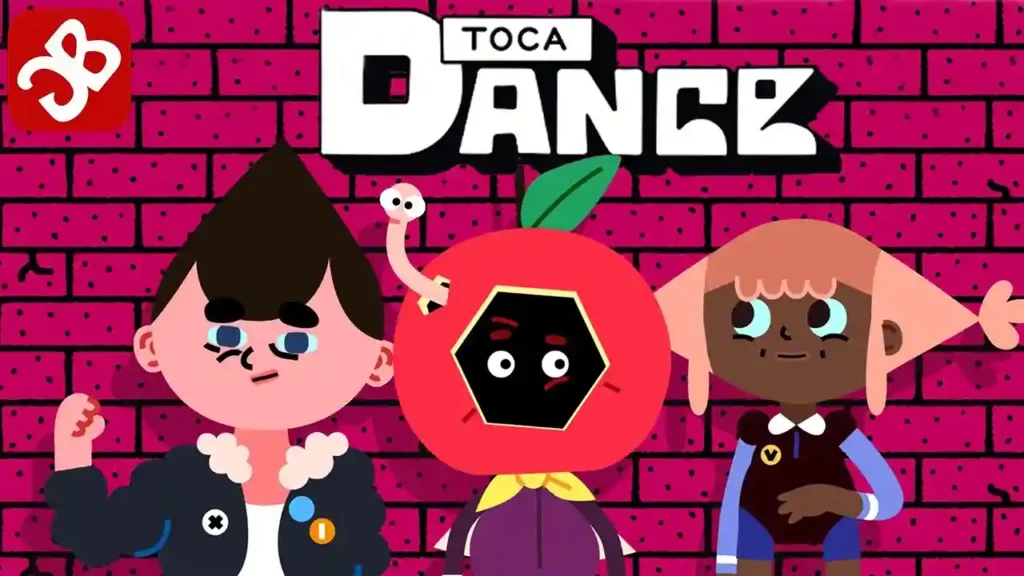
Toca Dance Free allows kids to create dance routines using music.
It blends movement with creativity and fun.
The app promotes physical activity alongside music engagement.
- Encourages creativity and movement
- Simple and engaging gameplay
- No ads
- Safe for independent use
- Limited music selection
- Not focused on music learning
- Repetitive gameplay over time
- Lacks progression or challenges
Pricing: Free
Platform: iOS
Benefits of Music Apps for Kids
Research by the National Institutes of Health shows that music training is linked to better memory, processing speed, and reasoning skills in children. Music is not just something kids listen to. When used right, it becomes something they feel, explore, and grow with.

- Boosts focus and memory: Repeating rhythms, lyrics, and patterns helps strengthen concentration and recall without feeling like “learning.”
- Encourages creativity: Apps that let kids mix sounds or play instruments turn passive listening into active imagination.
- Builds emotional awareness: Music helps children understand moods and express feelings they might not have words for yet.
- Introduces real skills early: From rhythm to basic music theory, kids can start developing skills that stay with them for life.
- Creates a healthy outlet: Whether it is dancing, singing, or tapping along, music gives kids a natural way to release energy and unwind.
In noisy environments, knowing how noise cancelling headphones work can help reduce distractions and protect your child from increasing volume too much.
Tips for Parents
A good app helps, but how your child uses it matters just as much.
- Start with safe, curated platforms
Choose apps designed specifically for kids before moving to broader platforms. - Explore together first
Spend a few minutes using the app with your child. It builds trust and helps you understand what they are exposed to. - Set simple boundaries
Limit screen time and guide when and how the app is used without making it feel restrictive.
You may also want to consider wired vs wireless headphones, especially when thinking about battery usage, safety, and long listening sessions.
- Watch for changing interests
What works at age 4 will not work at 10. Update apps as your child grows. - Encourage active use, not just listening
Look for apps where kids can create, play, or interact instead of just consuming content.
Choosing the right listening gear also matters. Understanding different types of headphones can help you pick something safe and comfortable for younger ears.
- Keep conversations open
Instead of only blocking content, help your child understand what is appropriate and why.
When done right, music apps are not just another screen. They become a space where kids learn, express, and discover something that stays with them far beyond the app.
Conclusion
There is no single “perfect” app, and that is actually a good thing. Every child listens differently. Some just want songs to dance to, while others are already curious about how music works behind the scenes.
What matters most is choosing something that feels right for your home. Safe enough to trust, engaging enough to hold their attention, and flexible enough to grow with them.
The smartest move is to explore together. Sit with them, try a few apps, see what clicks. Those small moments do more than any filter ever could. They help your child understand what to listen to and why it matters.
Because in the end, this is not just about screen time. It is about giving them a space where music feels joyful, safe, and entirely their own.
FAQs
1) Which music streaming apps are best for kids?
Spotify Kids, YouTube Kids, and Apple Music are top picks.
Spotify Kids is safest, YouTube Kids is great for videos, and Apple Music offers a wider library for older kids.
2) What are the best music learning apps for kids?
Mussila Music School, Perfect Ear, and Notes Teacher help kids learn rhythm, notes, and music basics in a fun way.
3) Are free music apps for kids safe to use?
Apps like YouTube Kids and iHeartRadio Family are generally safe with parental controls, but may include ads or limited filtering.
4) How do I choose the right music app for my child?
Pick based on age and interest. For safety, choose Spotify Kids. For learning or creating, apps like Koala Sampler or Mussila Music School work best.