


You launch an app that claims to offer free music. At first glance, it appears flawless. Everything appears to be just a tap away, playlists look boundless, and your favorite tunes are right there. Then all of a sudden, reality sets in. There’s a paywall. The download button vanishes. Or worse, the instant your connection stops, so does your music.
Until you are stranded on a lengthy journey, a tedious commute, or somewhere with no signal and nothing to listen to, it seems insignificant. When you believe you have everything saved, that stillness strikes in a new way.
This guide exists just for that reason.
You’re going to find the apps that truly work instead of wasting time on ones that overpromise and fall short. Apps that actually download music for free, offline listening apps, apps that are worth your time, safe, and compliant.
If you are still exploring your options, you can also compare leading music streaming apps or discover the best music apps without ads, depending on how you like to listen.
No misunderstanding. There are no surprises. Just simple choices that allow you to always have your music with you.
Key Takeaways
- Not all free apps offer true offline downloads
- Choose based on hits or music discovery
- Audiomack, TREBEL, and Jamendo offer real free access
- Mainstream apps require a subscription for downloads
- Always pick safe and trusted platforms
- The goal is simple: music anytime without internet
Best Free Music Download Apps in 2026: The Quick List
1. Audiomack
One of the greatest free music download apps for finding new hip-hop, Afrobeats, and indie music is Audiomack. It is perfect for people who seek quick and simple access to downloads because it permits offline listening without requiring a subscription. The site is particularly well-liked for new releases and up-and-coming artists.
- Completely free offline downloads available
- Strong catalog of emerging artists
- Fast downloads for playlists and albums
- No subscription required for downloads
- Limited mainstream music availability sometimes
- Heavy focus on hip hop genres
- The interface can feel slightly cluttered
- Regional catalog differences may exist
2. TREBEL
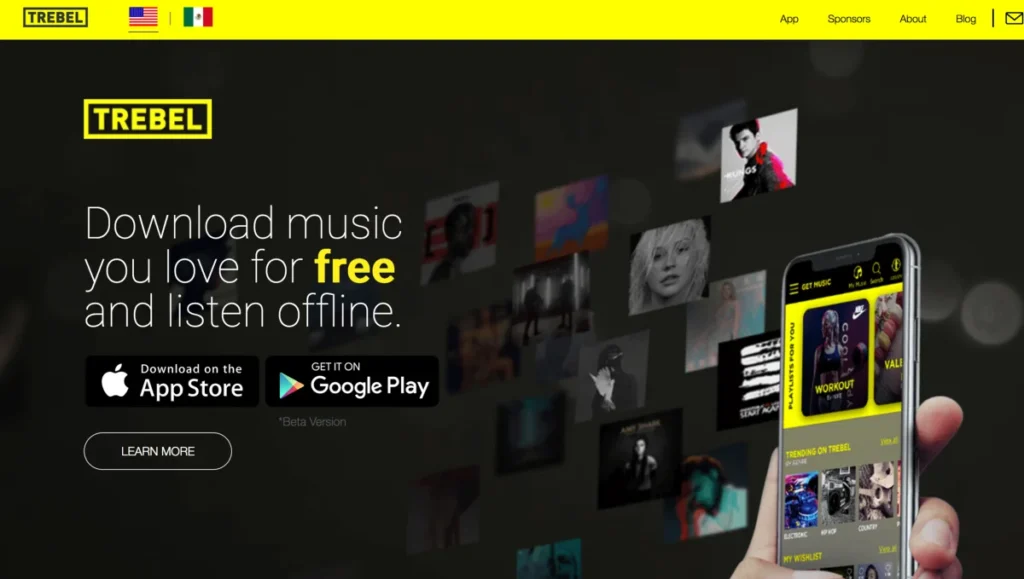
TREBEL is a free music download software that provides ad-supported licensed music downloads. It is one of the few apps that combines legality and free downloads since it enables users to listen offline without paying. Depending on the area, it contains a variety of well-known tunes.
- Legal free downloads supported by ads
- Offline playback without a paid subscription
- Includes many popular mainstream songs
- Simple interface for easy downloading
- Ads interrupt the listening experience frequently
- Wait times before some downloads
- Availability depends on the region licensing
- App performance can be inconsistent
3. SoundCloud
Artists can easily post songs to SoundCloud Go, a large creation platform. While some songs can be downloaded for free, some require a subscription in order to be saved offline. It is ideal for finding unreleased songs, indie musicians, and remixes.
- Huge library of indie creators
- Some tracks allow free downloads
- Excellent for remixes and rare tracks
- Strong music discovery algorithms built in
- Offline downloads require a paid subscription
- Not all songs are available for download
- Ads are present in the free version
- Track availability constantly changes
4. Jamendo
Jamendo uses Creative Commons licensing to provide fully legal music downloads. Users who seek free music without worrying about copyright issues will find it suitable. The platform emphasizes niche genres and indie musicians.

- Completely legal free music downloads
- No subscription required for usage
- Great for discovering indie artists
- Simple and clean download interface
- Limited mainstream popular music catalog
- Music quality varies across uploads
- The interface feels slightly outdated design
- Not ideal for trending music fans
Platform: Web
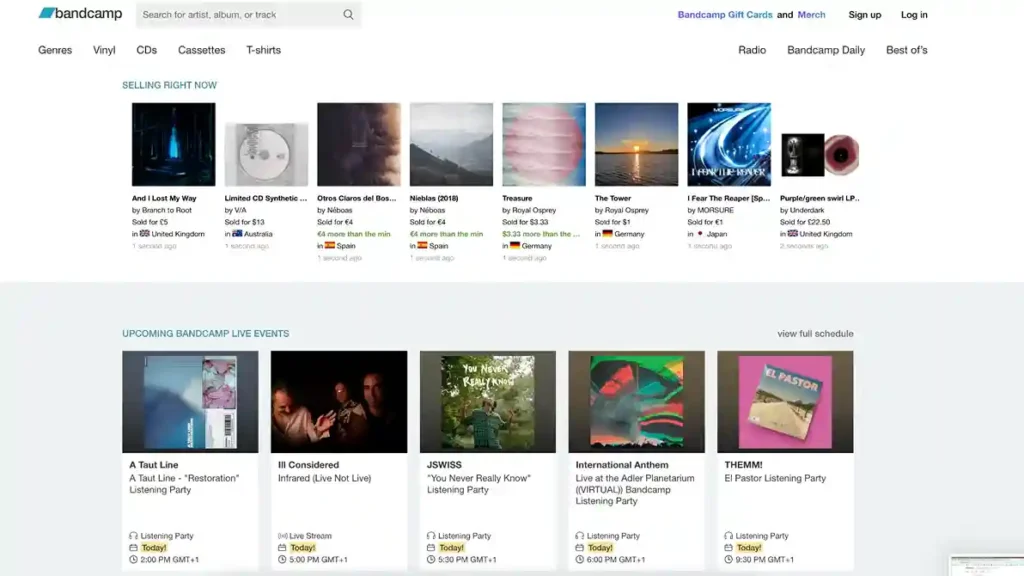
5. Bandcamp
While many artists offer free or pay-what-you-want releases, Bandcamp enables customers to buy music and download it in high quality. It provides top-notch offline listening audio quality downloads and directly supports artists.
- High-quality downloads after purchase
- Supports artists directly through purchases
- Some free and flexible pricing options
- Offline listening inside the app
- Most music requires a purchase payment
- Free downloads are of limited availability
- Library tied to Bandcamp account
- Discovery features are not very strong
6. Audius
Audius is a community-based music platform that prioritizes artist control and decentralization. Users are able to save content for offline listening, and many artists permit downloads. Fans of experimental and electronic music love it.

- Artist-controlled downloads and permissions
- Completely free platform with no subscription
- Strong electronic and hip-hop catalog
- Growing community of independent creators
- Limited mainstream artist availability currently
- App features are still under development
- Music quality can vary widely
- Smaller catalog than major platforms
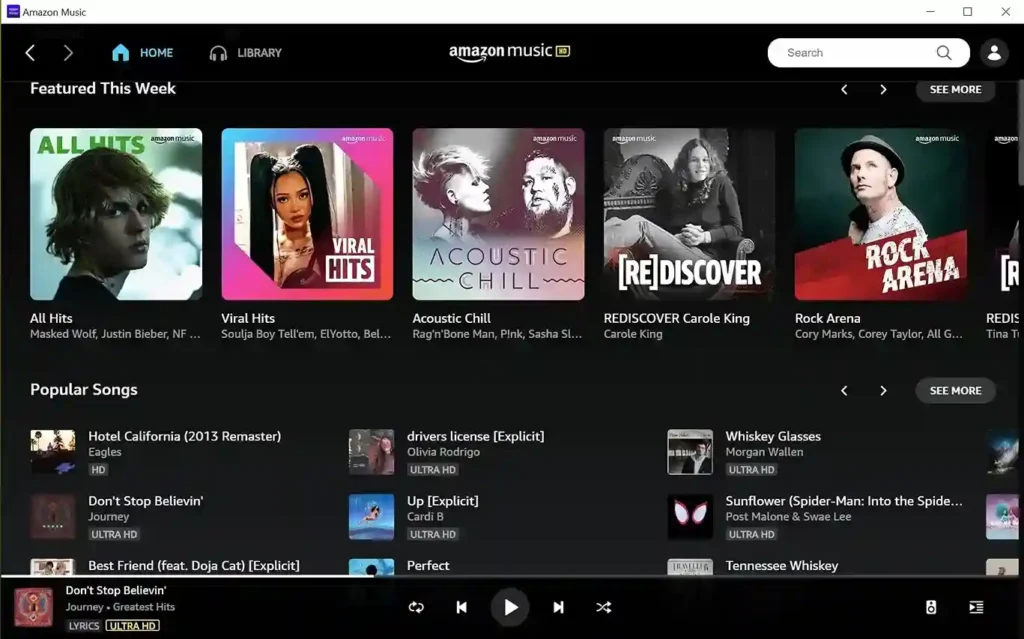
7. Amazon Music
Prime playlists can be downloaded offline from Amazon Music, while complete downloads are available to premium subscribers. For those who are already a part of the Amazon ecosystem, it is perfect.
- Easy offline downloads for Prime users
- Large music catalog with global tracks
- Seamless integration with Amazon devices
- Good audio quality across plans
- Full downloads require a paid subscription
- Free tier has limited offline access
- The interface is not very intuitive sometimes
- Features vary by region and plan
8. Apple Music
With a membership, Apple Music offers offline downloads and high-quality streaming within the Music app on iPhone. It provides a seamless listening experience and has a deep integration with iPhone devices.
- Excellent audio quality, including lossless
- Smooth integration with the Apple ecosystem
- Clean and user-friendly interface
- Reliable offline download functionality
- No free music downloads available
- Requires an active paid subscription always
- Limited free trial availability regionally
- Not ideal for free users
9. YouTube Music
A vast collection of live performances and remixes may be found on YouTube Music. While free users stream with advertisements, Premium customers get access to offline downloads.
- Huge library including rare content
- The Smart downloads feature works automatically
- Great for live and remix content
- Strong recommendation algorithm for users
- Offline downloads require a premium subscription
- Ads interrupt the free listening experience
- Background play is limited in the free version
- Regional content restrictions may apply
10. Spotify
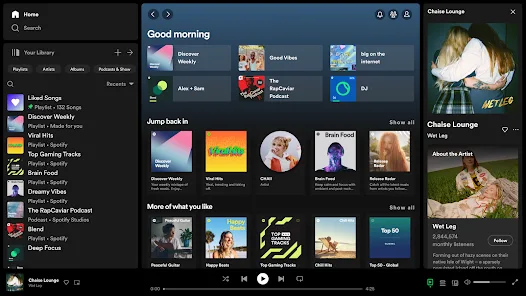
One of the most widely used music streaming apps is Spotify, which offers options for discovery and well-created playlists. Only Premium users get access to downloads. f you want more flexibility, you can convert Spotify music to MP3 in TunePat to listen to your favorite tracks offline on any device without limitations.
- Industry-leading music discovery features
- Huge global catalog of songs
- Excellent playlist personalization algorithms
- Easy to use and intuitive interface
- No free music download option
- Offline playback requires a paid subscription
- Ads in the free version frequently
- Device download limits apply
11. Deezer
Deezer offers offline listening and high-quality streaming for paid users. It also includes features like Flow for personalized music discovery. To play offline, enable the mode in settings.
- Offline across mobile and desktop
- HiFi tier for higher quality
- Strong personalization with the Flow feature
- Large catalog of international music
- No offline downloads in the free version
- Paid plans required for full features
- Occasional app performance issues reported
- Less popular than major competitors
Platform: iOS, Android, Desktop
12. TIDAL
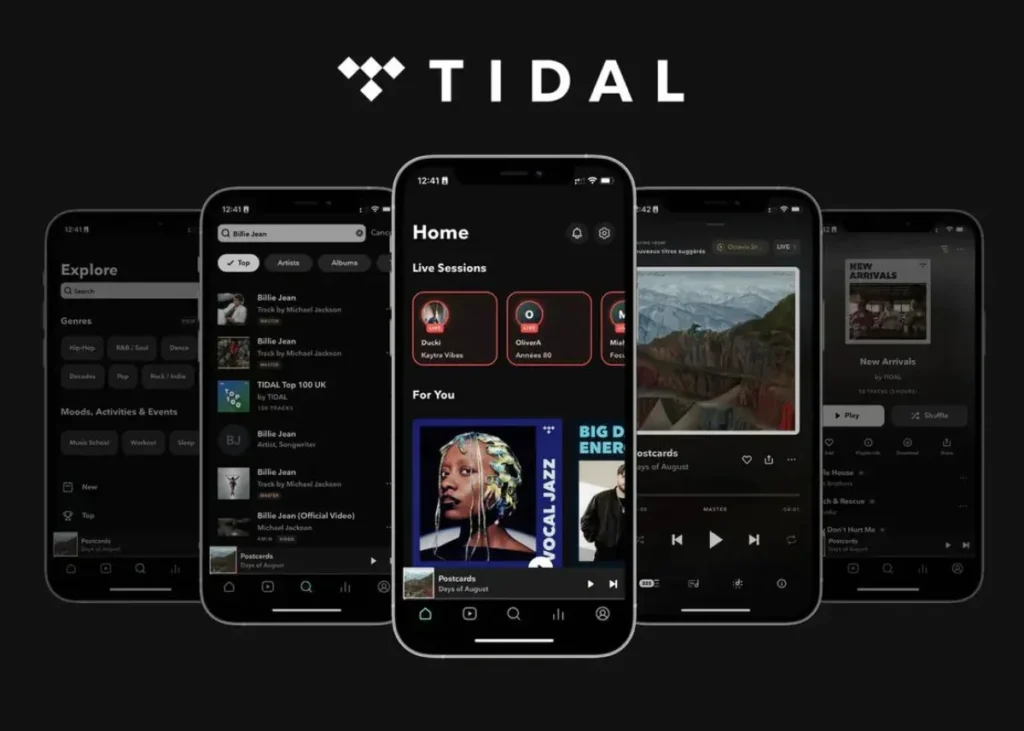
TIDAL focuses on high-resolution audio and exclusive content. Offline downloads are available with a subscription.
- High-resolution audio quality available
- Exclusive content from major artists
- Offline downloads for premium users
- Great for an audiophile listening experience
- No free offline download option
- Subscription cost is higher than that of competitors
- Large file sizes for downloads
- Limited free tier functionality available
13. Pandora
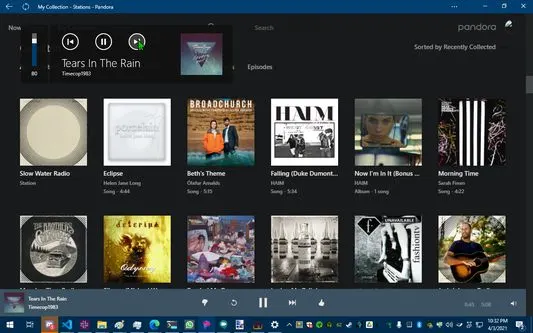
Pandora offers personalized radio stations and offline listening for paid users.
- Personalized radio stations work well
- Offline listening for premium users
- Easy music discovery experience overall
- Simple and clean interface design
- The free version does not allow downloads
- Limited availability outside the United States
- Station-based listening feels restrictive
- Ads are present in the free version
14. Napster
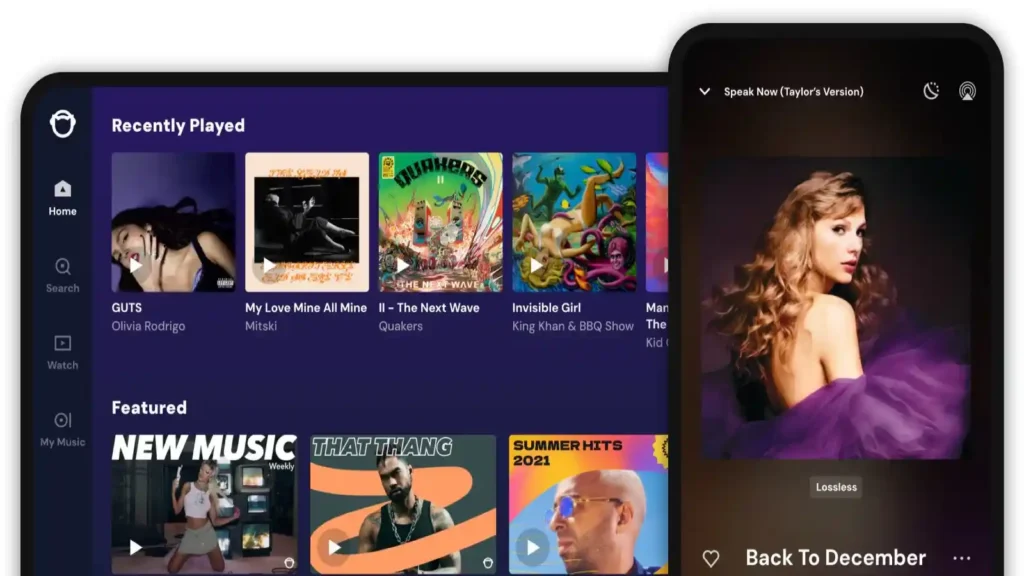
Napster has a lengthy history in the digital music industry and offers offline downloads with a subscription in the mobile app. It provides straightforward controls and an organized library.
- Easy offline downloads within the app
- Clean library organization features are available
- Reliable playback and streaming performance
- Good catalog of mainstream music
- Requires a paid subscription for downloads
- Limited free features compared to competitors
- Smaller user base than Spotify
- Availability varies by region
15. eSound
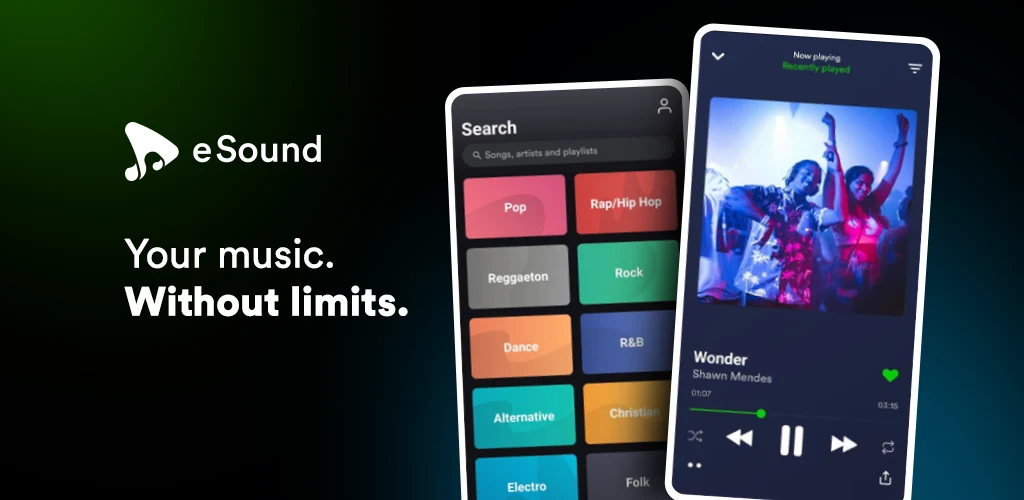
eSound is a free music app that allows streaming and offline listening. It is popular for playlist-based listening and discovery.
- Free playback with playlist support
- Offline mode available for users
- Simple interface for casual listening
- Good for background music usage
- Ads may interrupt the listening experience
- Catalog reliability varies by source
- Not all songs are officially licensed
- Occasional bugs in app performance
Platform: Android
16. Fildo
Fildo is an Android app that lets you download and stream music. It gives consumers freedom and supports a variety of formats.

- Supports multiple audio file formats
- Lightweight and fast performance overall
- Easy search and download options
- Works well for local file playback
- Not available on official app stores
- Security risks with sideloading apps
- Legal concerns with content sources
- Updates depend on external mirrors
Platform: Android
17. 4shared
4shared is a cloud storage platform that allows users to upload and download files, including music, for offline access.
- Large free storage space available
- Offline access to saved files
- Built-in music player included
- Easy file sharing and backup
- Public files may include unlicensed content
- Ads in the free version frequently
- File quality is not always reliable
- Search results can be cluttered
18. SoundClick
SoundClick is an indie music platform offering free downloads for selected tracks. It is ideal for discovering underground artists.

- Free MP3 downloads on select tracks
- Strong indie and beats catalog
- Simple browsing and chart system
- Good for discovering new artists
- Interface feels outdated and basic
- Limited mainstream music availability
- The Android app is only available
- Not a frequently updated platform
Platform: Web
19. Spinrilla
Spinrilla is a mixtape-focused app, offering free streaming and some offline capabilities for hip hop fans. It is great for discovering underground mixtapes.

- Free access to mixtapes and albums
- Strong hip hop and rap catalog
- Offline playback for saved content
- Simple and easy to navigate
- Focus mainly on the hip hop genre
- Ads are present in the free version
- Not all tracks are downloadable offline
20. DatPiff
DatPiff is a well-known platform for free mixtapes and hip hop releases. It allows downloads for selected content.
- Free mixtapes from popular artists
- Offline listening to downloaded content
- Large hip hop music archive
- Simple interface for easy browsing
- Limited to hip hop music mostly
- App stability issues are reported sometimes
- Not all tracks are downloadable
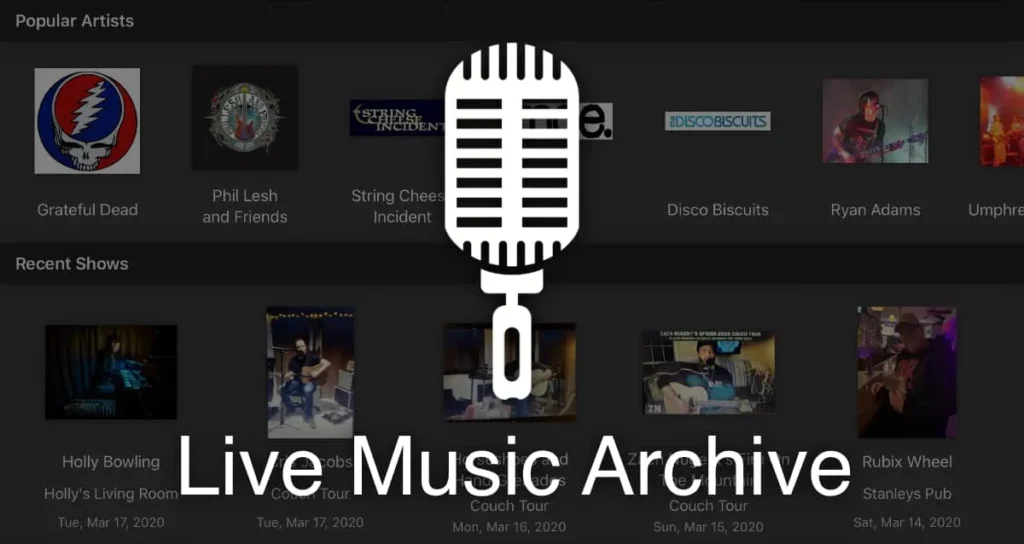
21. Live Music Archive
Live Music Archive offers free downloads of live concert recordings from various artists. It is completely legal and great for fans of live performances.
- Completely free and legal downloads
- Unique live concert recordings available
- No subscription required for access
- Great for niche music lovers
- Limited mainstream commercial music catalog
- Audio quality varies between recordings
- Interface not very user-friendly
- Focus mainly on live performances
Platform: iOS
How to Choose the Right Free Music Download App
Not all “free” apps are truly free, as you would think.
Some provide you with well-known tracks but restrict downloads. Others allow free downloads but concentrate on independent or obscure music. The majority of individuals become perplexed at that point.
How you listen will determine which option is best.
You could require apps with restricted offline functionality if you enjoy chartbusters. There are apps that provide you with total flexibility if you like finding buried treasures.
Before you pick one, ask yourself:
- Do you want trending hits or new discoveries
- Do you need full offline access or just occasional downloads?
- Do you have space for storing music?
- Are ads okay for free access?
Once you know this, choosing the right app becomes simple.
Safety Check for Free Music Download Apps
Not every free app is actually safe.
Some pull music from shady sources. Others ask for permissions that make no sense. That is where problems start.
A safe app feels clear and trustworthy. Apple prohibits apps that download audio from third-party sources without authorization, and YouTube does not allow downloading unless the service itself provides the option.
Before downloading, check this:
- Does it clearly offer offline listening
- Is it on trusted stores like Google Play or App Store?
- Does it avoid unnecessary permissions?
- Does it explain its music source?
If something feels off, skip it. Safe apps are always transparent. Play Protect can disable or remove harmful apps if it detects abuse.
Simple Tips to Get the Most Out of Free Music Apps
Most people use these apps at a basic level. Just play, skip, repeat.
But if you use them smartly, the experience gets much better.
Try this:
- Create playlists for different moods and moments
- Download only what you actually listen to
- Explore recommended tracks instead of searching only
- Share playlists with friends and discover new music
On iPhone, an app must implement offline listening according to Apple’s rules, and you use the app’s own download button to save albums or playlists. Spotify requires you to go online at least once every thirty days to maintain downloads.
Conclusion
Small changes, but they completely transform how you use these apps.
It’s not necessary to search every available alternative in order to find the best free music download software. Finding the one that suits your rhythm is the key.
Perhaps you’re looking for popular songs to add variety to your playlists. Perhaps you want to find underground musicians before anyone else. Perhaps all you want is music that you can listen to even if the internet goes down. There is only one ideal app, the one that suits your needs.
Popular music is easily accessible through apps like TREBEL and Audiomack, while fresh and unexpected music may be found on platforms like Jamendo. If you investigate them properly, even popular apps can offer you a taste of high-end listening.
Your music should ultimately seem natural. No disruptions. No misunderstanding. Simply hit play, and it will follow you wherever life takes you.If you want more neutral audio advice, follow our SoundHub blog for updates on more such apps and listening tips.
FAQs
1) What apps can I use to download music for free?
The most reliable apps for free legal downloads in 2026 are Audiomack, TREBEL, and Jamendo. These services have direct agreements with artists or use Creative Commons licenses to ensure you stay safe.
2) What music apps can you download music for free?
If you are looking for hits, TREBEL is your best option as it uses an ad-supported model. For independent and underground music, SoundCloud and Audius allow for artist-enabled downloads.
3) How to download free music apps for Android?
Visit the Google Play Store and search for verified apps like Audiomack or eSound. Always ensure your “Play Protect” setting is active to verify the app’s safety during the installation process.
4) What are the best apps to download music for free?
Audiomack is the top choice for hip-hop and electronic music. For classical music, Musopen is the gold standard. For creators needing royalty-free tracks, Pixabay and Bensound are the most reliable.