You finished the hook, chorus, and final mix in Suno—and now you’re staring at a lonely MP3. Suno’s built-in visuals stop at a static cover: no beat sync, no scene changes, nothing vertical for tonight’s TikTok drop.
Most “best AI music videos” lists hide fees, watermarks, or one-minute caps, so we stress-tested 15 tools ourselves. Seven stood out, each exporting a full-length video without touching a studio-level budget.
Answer two quick questions below and you’ll land on the platform that matches your wallet, polish bar, and deadline.
7 Tools At A Glance
Before we get to the decision path, you may want a high-level snapshot of what each platform offers.
Scan the table once, and you’ll know which two or three names to keep open while you read the deeper breakdowns.
Tool | Free export | Watermark | Max res (free) | Signature strength | Ideal use |
Ima Studio | Unlimited | None | 1080 p | Prompt-driven scenes on a zero budget | Artists who need dozens of videos today |
Plazmapunk | Unlimited | None | 720–1080 p | Psychedelic visualizer with beat react | Lo-fi / EDM channels growing on $0 |
Neural Frames | 10 s free generation | Logo | Base res | 4K audio-reactive cinema in paid tier | Full releases that demand pro polish |
Kaiber | Short credit trial | None | 1080 p | Painterly, anime-style animation control | Bands chasing an unmistakable aesthetic |
Atlabs | Short demo | Logo | 1080 p | Paste Suno link → auto storyboard | Suno power users on a tight deadline |
Freebeat | 60–90 s | Small logo | 720 p | Tightest beat-sync visualizer engine | DJs pushing clips to TikTok in minutes |
One More Shot | First full video | None | 1080 p | Three-step mobile workflow | Solo artists who want done-for-you speed |
Two patterns stand out:
- Cost curve versus control. The truly free options save cash but deliver more abstract visuals. Spend a little and you unlock 4K, narrative scenes, or frame-accurate lyric timing.
- Workflow friction. Atlabs and One More Shot accept a Suno URL, trimming the download-and-re-upload shuffle. The rest require a local MP3.
Keep those trade-offs in mind as we move into the decision path: the fastest route to the tool that fits your release plan.
The Two-Step Decision Path
Think of the next minute as a speed interview with your own priorities.
Answer two straightforward questions and you’ll land in the segment built for your workflow, budget, and quality bar.
Question 1: Do you need the video to be 100% free and watermark-free?
If money is off the table—or you’re distributing dozens of songs a month—stop here.
You belong in Segment A with Ima Studio and Plazmapunk. Both charge nothing, stamp nothing, and let you crank out as many exports as your release calendar demands.
If you’re willing to trade a few dollars for sharper resolution, longer runtimes, or richer effects, move to Question 2.
Question 2: What matters more right now—studio-grade polish or one-click speed?
- Polish and creative control first? Head to Segment B. Neural Frames and Kaiber put art direction in your hands and scale up to 4 K or painterly animation when you need that wow factor.
- Speed and convenience first? Skip to Segment C. Atlabs, Freebeat, and One More Shot spin up a finished, social-ready video in minutes, ideal for deadline-driven drops or daily TikTok clips.
That’s it. Two answers, one clear lane.
In the next sections we’ll unpack each segment in detail, show real-world pros and cons, and share tips that save hours on render queues and re-exports.
Next, we’ll start with the zero-budget powerhouses.
Segment A: Zero-Budget, Zero-Watermark Options
Ima Studio (Wan 2.6)
If you need a finished video and your wallet is flat, Ima Studio is the place to start.
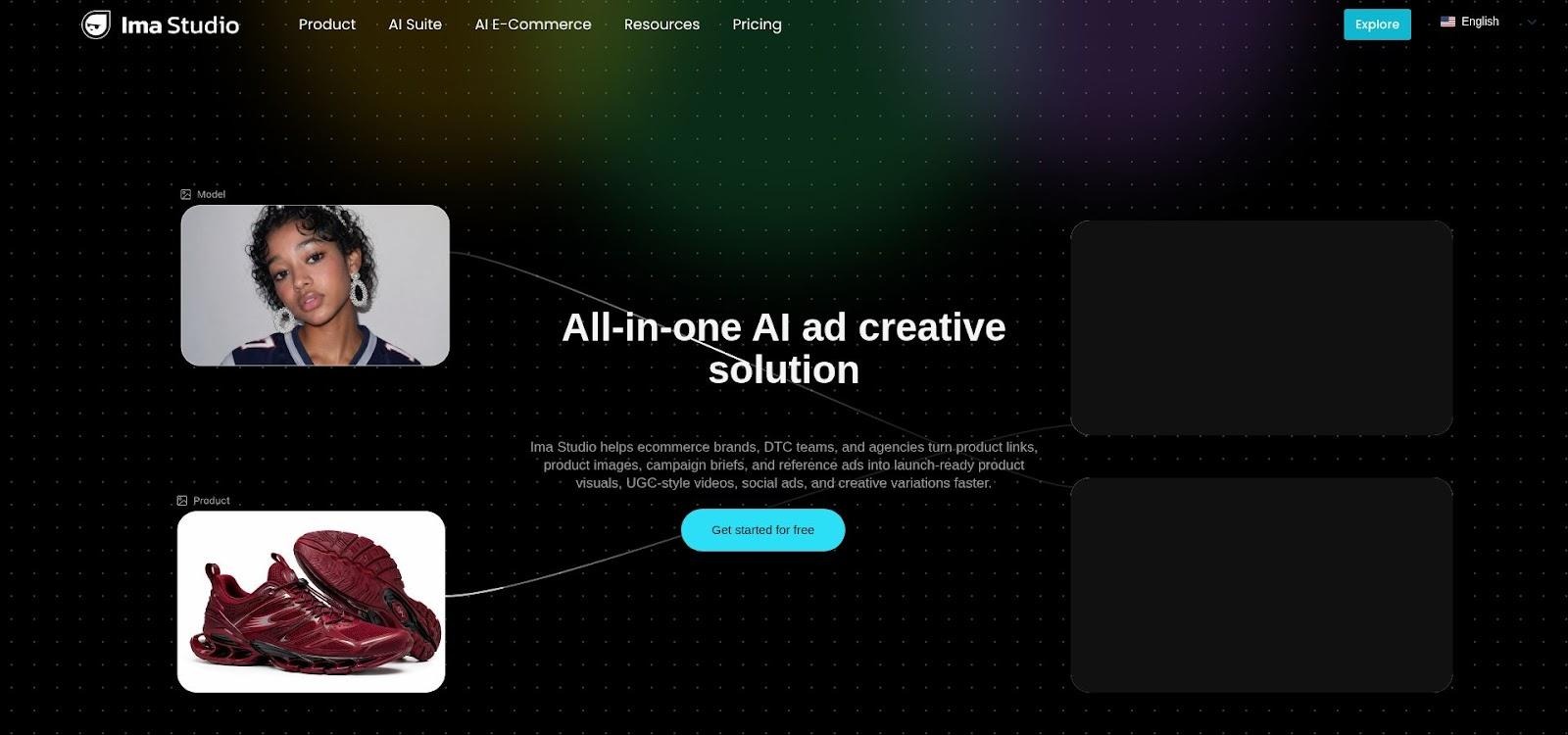
Ima Studio Wan 2.6 AI music video generator interface screenshot
Drop an MP3, type a single visual prompt—“retro neon arcade, camera dolly, slow-motion sparks”—and the Wan 2.6 model returns a full-length, beat-synced clip. No credits, watermarks, or length cap make it stand out in 2026, when most platforms hide premium output behind a paywall.
The interface is stripped down on purpose. You’ll see four fields: song upload, prompt box, aspect ratio, and render button. Keep the prompt under forty words; longer instructions slow render times without improving fidelity. For vertical TikTok loops, switch the ratio to 9:16 before you click Generate so your subject stays center-framed.
Expect a two- to four-minute wait for a three-minute song. Wan 2.6 renders at 24 fps, smooth enough for YouTube and Shorts. Resolution tops at 1080 p today, and the team has hinted in Discord that a 4 K toggle is in closed testing. Because everything is browser-based, you can start a render on your phone during a commute and grab the finished MP4 from the cloud later.
Quality-wise, Wan 2.6 leans cinematic over abstract. Faces stay intact, motion feels deliberate, and scene cuts often land on section changes in the waveform. You may see an occasional off-frame artifact, usually a split-second camera glitch, on complex prompts. If that happens, regenerate the specific timestamp by uploading a ten-second snippet of your song; the model shows fewer quirks on shorter chunks.
Licensing is clear: you own the output for commercial use as long as the audio is yours. Ima Studio saves nothing for retraining unless you tick the opt-in box on export, a welcome nod to creator privacy.
Use Ima Studio when you need a batch of videos, such as album drops, weekly beat packs, or a month of TikTok drafts, and every saved penny extends your promo budget elsewhere. It remains the fastest way to turn a Suno track into motion without spending a cent.
Plazmapunk
Plazmapunk proves you don’t need fancy interfaces or monthly fees to splash color across an entire track.
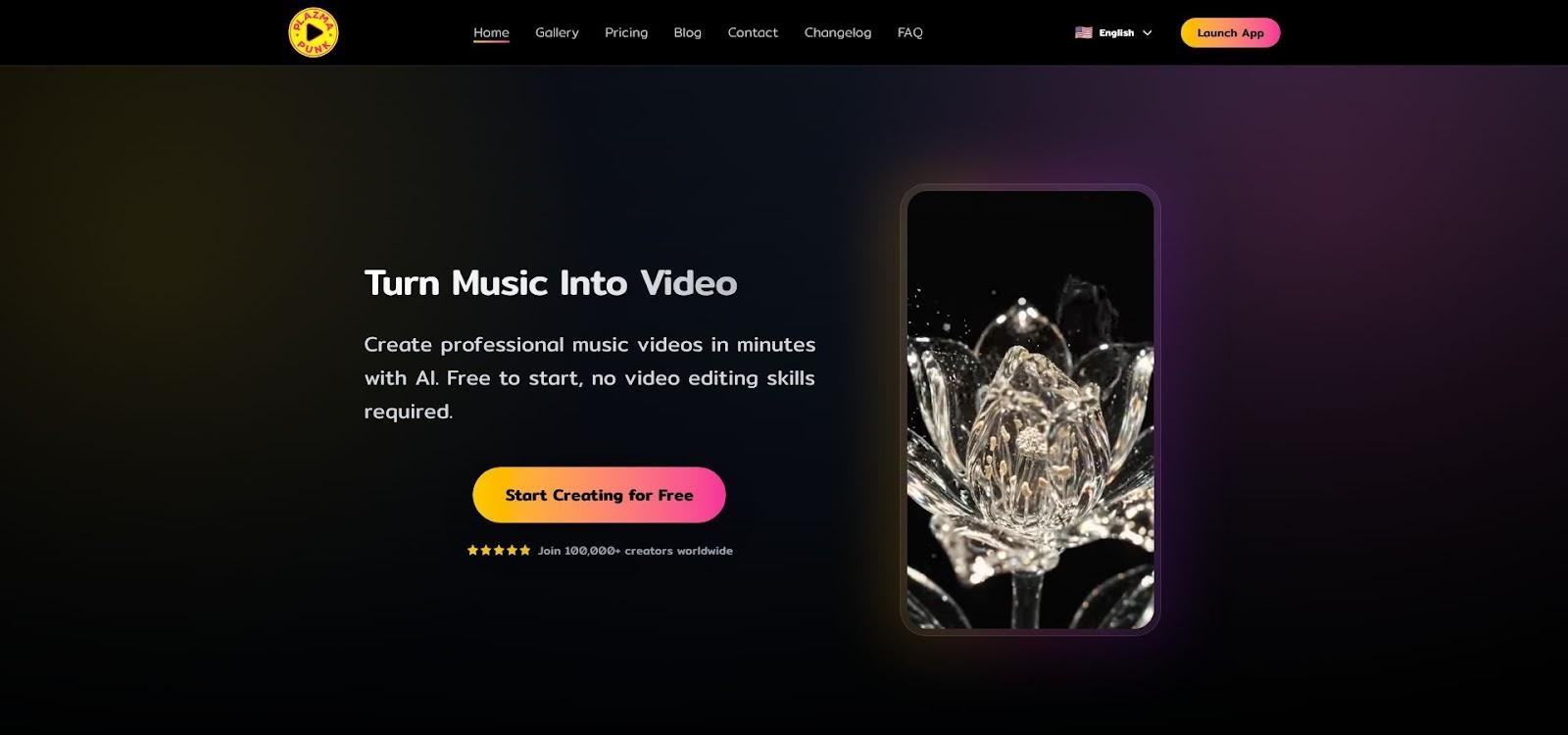
Plazmapunk AI music video visualizer interface screenshot
Open the site and you’ll see an “Upload song” box and a strip of visual themes—Neon Tunnel, VHS Melt, Vaporwave Skyline. Pick one, hit Generate, and watch a psychedelic loop sync to your waveform.
The magic is in its audio analysis. Each bass thump triggers a burst of kaleidoscopic geometry, while quieter passages pull the camera back into softer gradients. The results feel like background visuals at an underground rave, a look that moves plenty of electronic and lo-fi releases on YouTube.
Exports run up to five minutes at 720, sometimes 1080 p, fully watermark-free, so you can post them to your channel or crop eight-second Canvas loops for Spotify. Because the backend relies on lightweight diffusion models, renders rarely exceed sixty seconds per minute of audio, a lifesaver when you need a fresh video before midnight.
Customization is minimal. You can’t adjust individual colors or drop in lyric text. For many artists that’s fine; the hypnotic patterns are the star. If you need narrative scenes, camera moves, or branded fonts, you’ll shift to a paid tool soon enough.
Still, Plazmapunk earns a place in your toolkit. It removes every barrier—cost, watermark, and skill—handing you an endlessly looping crowd-pleaser you can launch today. When zero budget meets tight deadline, this is the button to press.
Segment B: Pro-Grade Control And Polish
Neural Frames
Picture a visual-effects studio compressed into one browser tab. That’s Neural Frames.
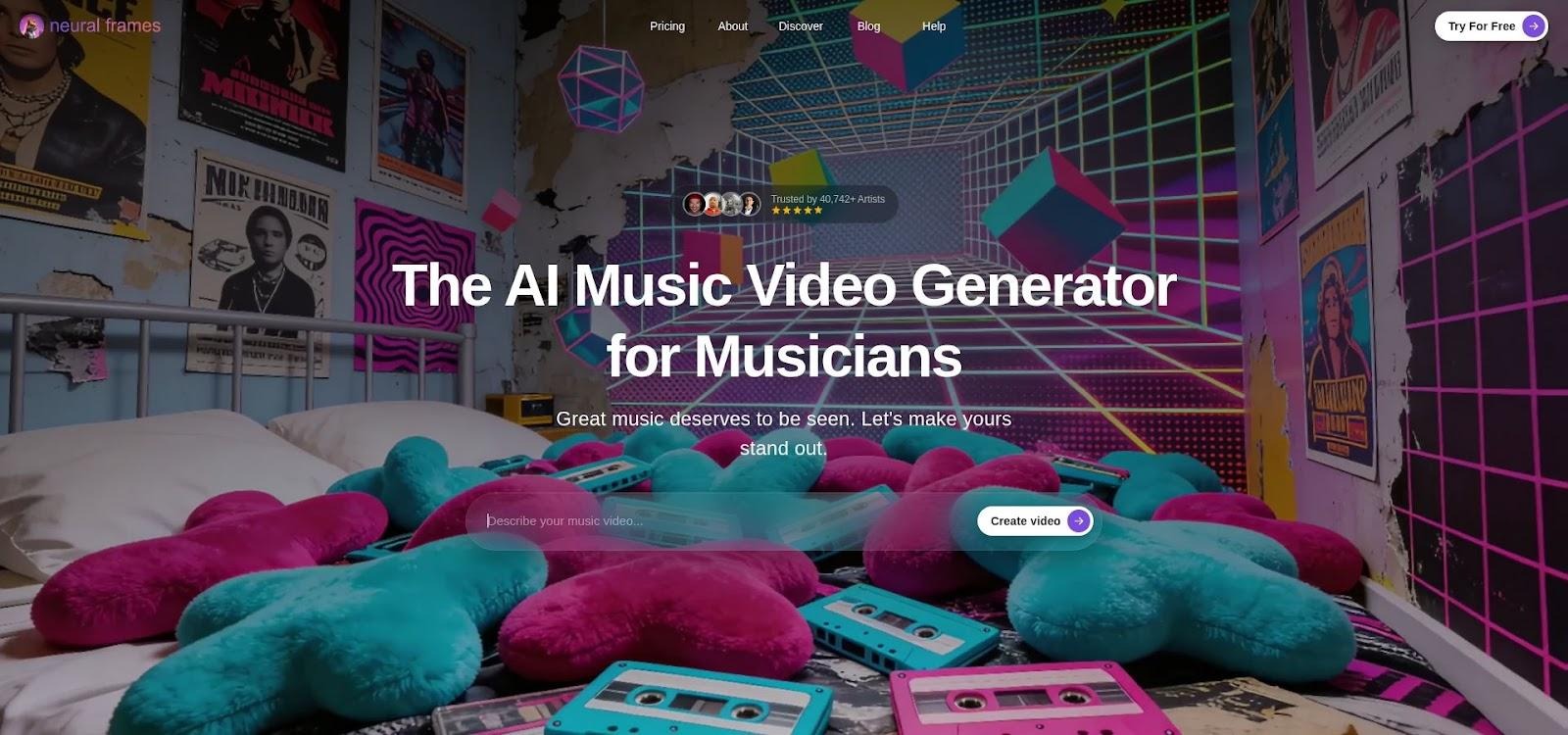
Neural Frames AI music video generator timeline interface screenshot
Upload your finished Suno render and Neural Frames automatically detects BPM and structure, splits the mix into eight stems, drafts a storyboard in Autopilot, and lines up vertical or widescreen exports—see the full workflow for the exact five-step run-through. Neural Frames’ help guide notes that once those stems are prepared, you can map any visual parameter—zoom, hue shift, particle burst—to a specific element like the kick drum or lead vocal through its oscillatory and audioreactive modulation tools. Indie synth-wave artist Glowfox road-tested that workflow on his 2026 single “Midnight Circuits,” letting the engine tie bass-line pulses to camera shakes and posting the finished 4 K cut to YouTube without a single manual keyframe.
Each frame listens to those elements, so colors pulse with the bass, transitions follow the drums, and effects intensify with vocals. The result feels directed, not random.
Quality sets Neural Frames apart. Paid tiers render at true 4 K, a level most AI video tools cap at 1080 p. Free users still get a taste—about ten seconds at base resolution—enough to confirm the look before investing.
Control lives on a timeline that feels like a lightweight editor. Text-to-video commands and frame-by-frame tweaks let you tie any visual parameter to any audio stem, similar to automating After Effects without code.
Downsides? Autopilot can render a five-minute 4 K video in roughly ten minutes, but manual settings take longer. The interface also throws many sliders at newcomers, so plan an afternoon of practice before a firm deadline.
When broadcast-ready polish matters, such as album premieres, label pitches, or tour visuals, Neural Frames justifies its learning curve and subscription. You supply the music; it returns a video that breathes with every note.
Kaiber
Kaiber sits at the opposite end of the creative spectrum. Instead of sliders and dials, it gives you a blank prompt box and asks, “What do you see when you hear this song?”
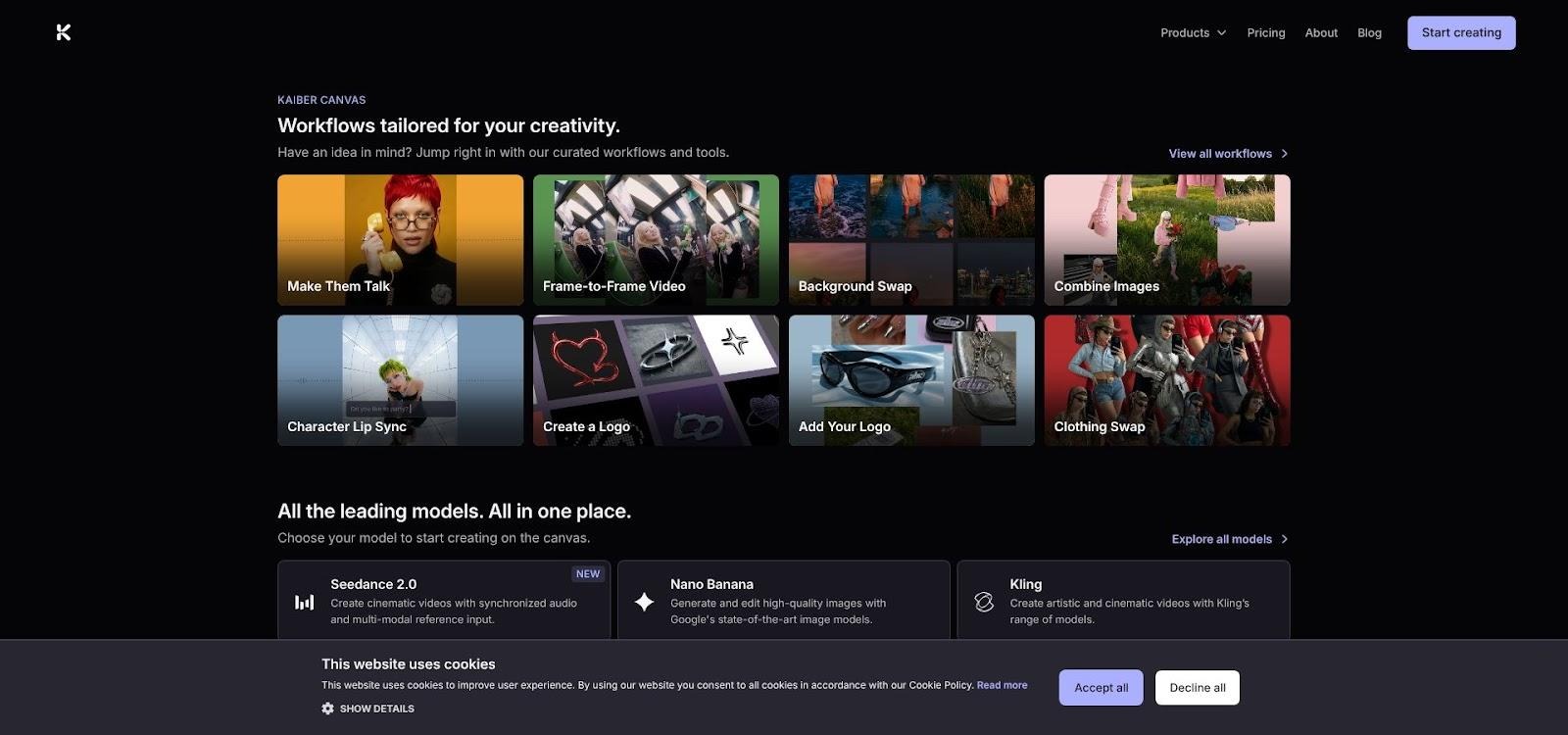
Kaiber AI painterly anime-style music video preview screenshot
Type “hand-drawn anime dreamscape, cherry blossoms drifting, sunrise over Neo-Tokyo,” add your track, and the system paints that film frame by frame. The look is unmistakable, with textured strokes, ink-like outlines, and color palettes that feel lifted from a graphic novel.
Guide the animation by dropping reference images—album art, character sketches, or a band logo. Kaiber then interpolates between those stills, creating motion that feels custom rather than templated. You can schedule prompt changes on a timeline so the city dissolves into starlight when the bridge hits.
The trade-off for all that artistry is time and credits. Free users get a handful of fifteen-second renders—enough to test vibe, not enough for a full video. After that, clips cost credits, and longer segments add up fast. Expect to stitch multiple sections in a basic editor if your track runs past three minutes.
Rendering also moves slower than Neural Frames because Kaiber repaints every pixel in a painterly style. Set aside about an hour for a full-length 1080 p piece, or batch-render verses overnight.
Kaiber shines when brand identity outranks speed. If your fans recognize a hand-drawn mascot or synthwave cover art, Kaiber can set that art in motion and deepen your visual signature. For artists building a cult aesthetic, the extra effort pays off in scroll-stopping uniqueness.
Segment C: Social-Ready Speed And Convenience
Atlabs
Atlabs feels like it was coded by a Suno super-user who got tired of juggling downloads. Paste the share URL to your track, pick one of six auto-generated storyboards, and hit Render. The platform grabs the audio in the background, analyzes tempo and mood, and stitches a full 1080 p video without you touching a timeline.
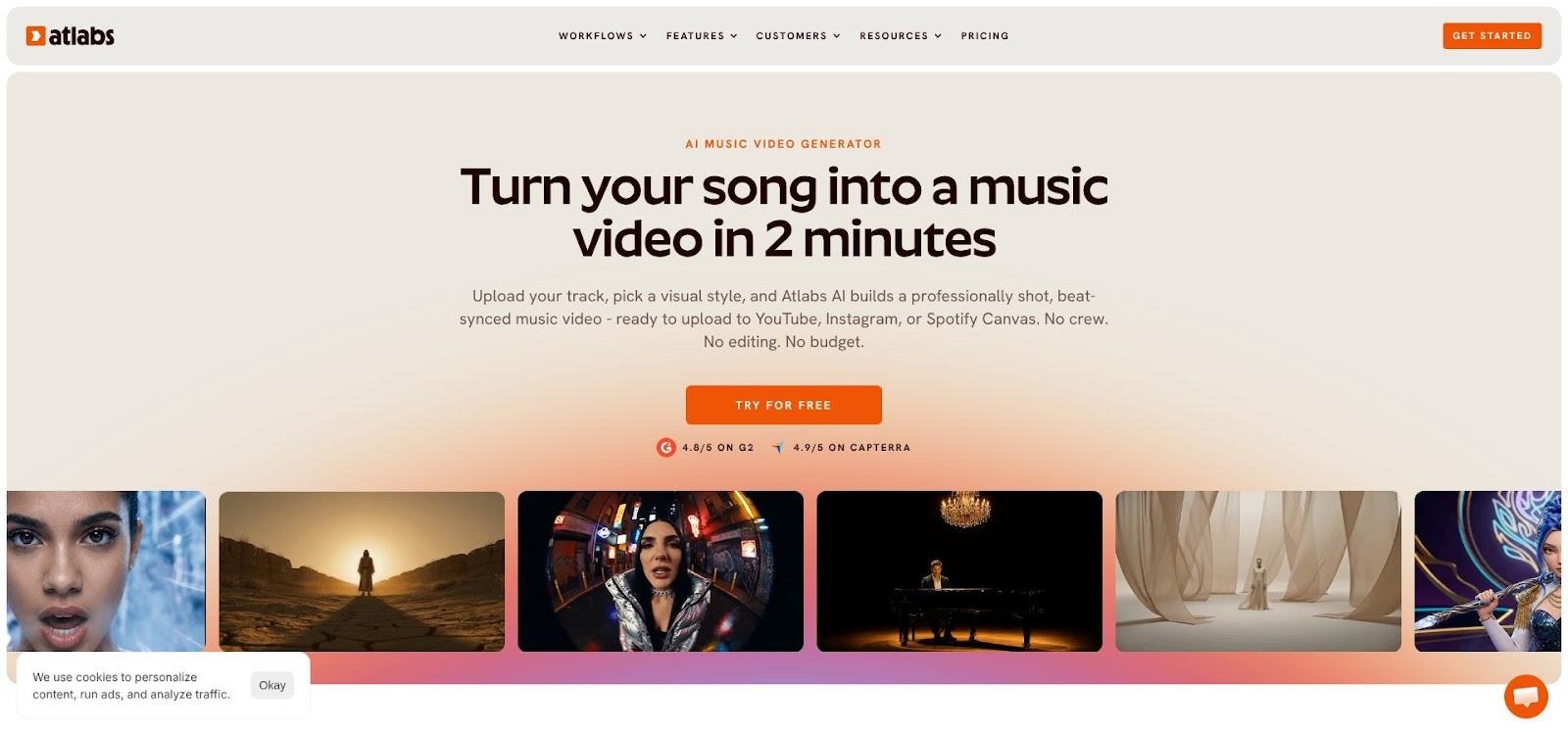
Atlabs Suno URL to storyboard AI music video workflow screenshot
Those storyboard presets do the heavy lifting. “Narrative” spins a short film around your lyrics, “Performance” drops an AI vocalist who lip-syncs every word, and “Visualizer” fires particle bursts on each downbeat. You preview every concept as a fifteen-second teaser, then lock in the winner for the whole song.
Under the hood, Atlabs fuses multiple models, including a motion engine for realistic camera moves, so scene transitions feel intentional instead of random cut-ups. That cohesion is the platform’s secret sauce and why Reddit threads call it the clear first pick for turning Suno links into videos.
Free users can export about a minute at 720 p with a discreet logo. Upgrade to the Lite plan (roughly the cost of two streaming subscriptions) and you get full-length, watermark-free 1080 p plus vertical crops for Reels. Render times stay friendly: three-minute songs finish in five to seven minutes because Atlabs pre-caches popular visual styles on its servers.
If your release calendar says “single goes live Friday” and today is Thursday, Atlabs is the calm button you press. It removes every technical hurdle (file wrangling, beat matching, aspect ratios) and hands you a publish-ready video while you brew coffee.
Freebeat
Freebeat is the fastest route from “finished mix” to “ready-to-post hype clip.”
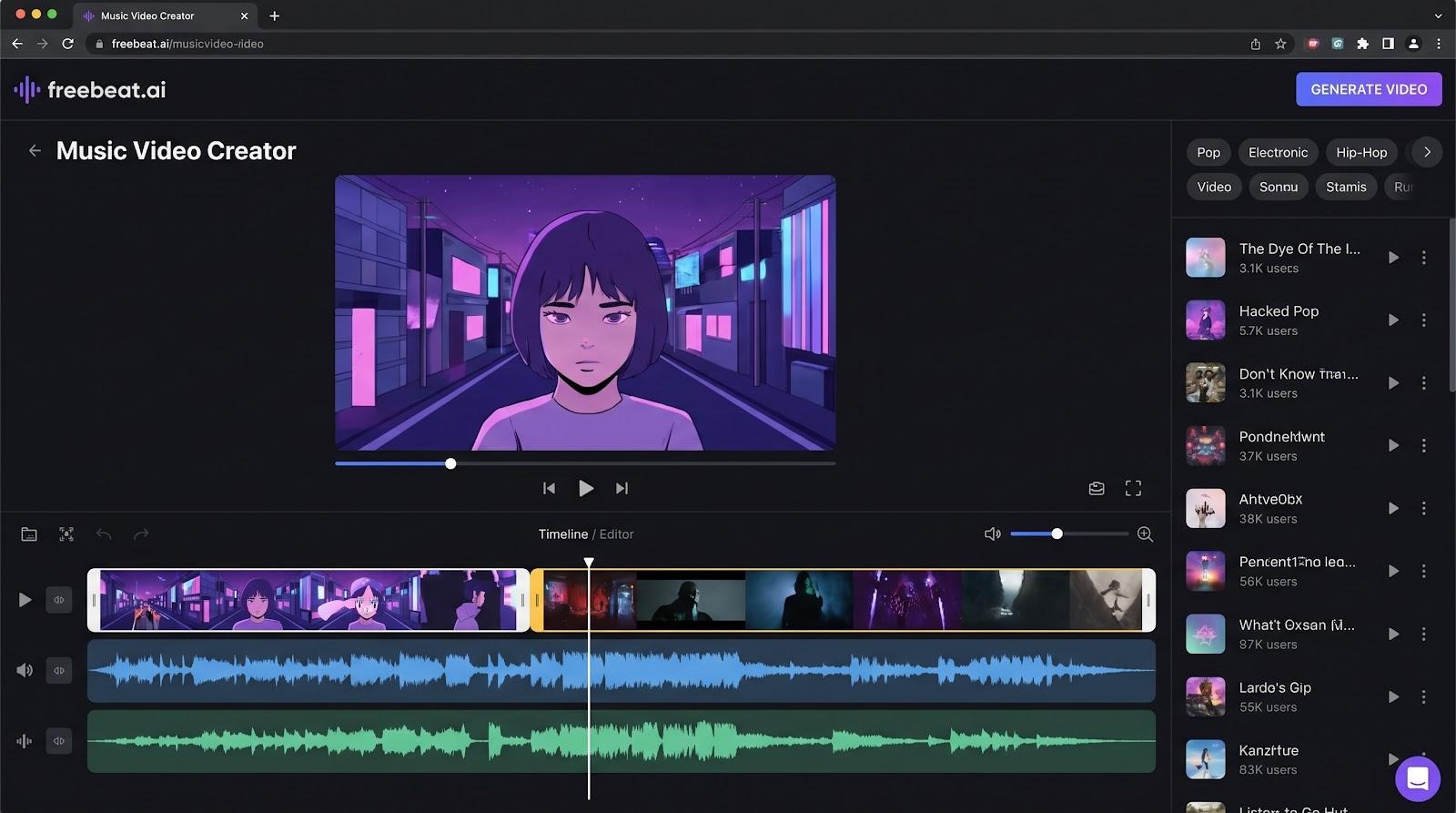
Freebeat AI beat-synced music video template selection screenshot
Drop your MP3, pick a template such as Glitch Grid, Kinetic Lyric, or Neon Karate, and in under two minutes the engine spits out a beat-perfect video. The secret is its rhythm parser: it detects BPM, verse boundaries, even micro-fills, so every camera shake and color burst lands exactly on the downbeat. Viewers feel like a human editor cut the piece in Premiere.
Visuals skew abstract: waveform bars morph into particle tunnels, lyrics jump on screen in sync, bass hits flash strobes across the frame. You can swap in a background image or brand color, but Freebeat keeps you out of the weeds. No prompts, no layers—just pick a vibe and ship.
The free tier covers up to ninety seconds at 720 p with a small corner logo (perfect for TikTok teasers or a Spotify Canvas loop). Need the whole track in 1080 p? The monthly plan costs less than a single session of studio coffee and provides full-length exports plus vertical and square crops.
Because everything is template-driven, the creative ceiling is limited. If your song tells a story or needs a character on screen, Freebeat can’t create that narrative. What it can do is prime raw energy, essential for EDM drops, rap verses, or any moment you want to jolt scrolling thumbs to a stop.
One More Shot
One More Shot exists for the artist who finishes a mix at 11 p.m. and wants a polished video posted by midnight.
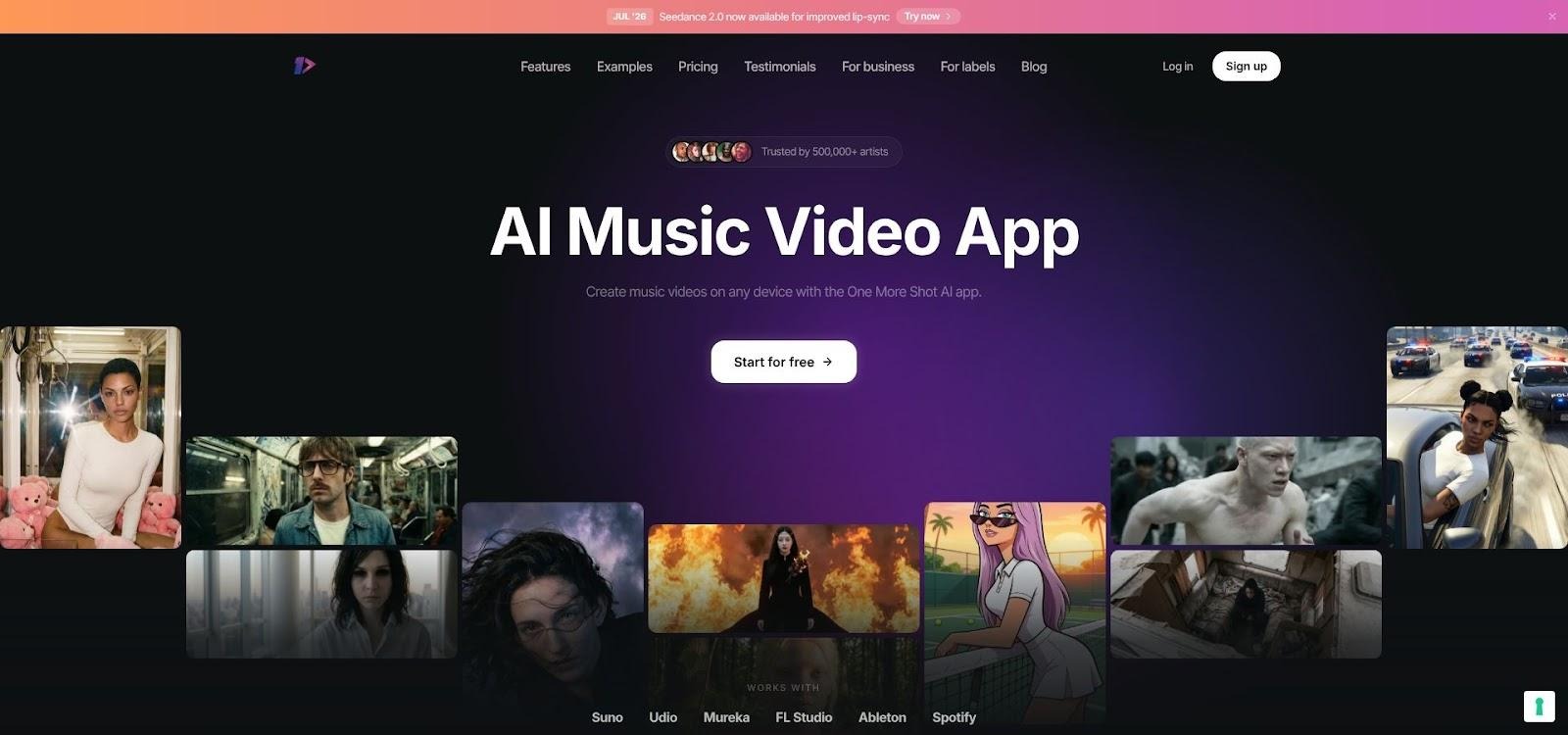
One More Shot AI mobile music video app workflow screenshot
The workflow is three clicks. Upload your audio or paste the Suno link, choose a visual theme such as cartoon street art, hyperspace tunnel, or watercolor bloom, and tap Export. Your first full-length 1080 p video is free, watermark-free, and lands in your inbox before your tea cools.
Mobile support is the kicker. The entire render pipeline runs in the cloud, so you can create or download straight from a phone. That single feature has turned train rides and green-room downtimes into productive promo sessions for many indie rappers and TikTok singers.
After the freebie, pricing shifts to a pay-per-second model (about five cents) or an $83 annual pass. That math works out to pocket change compared with hiring an editor, especially when you factor in multi-format exports. One toggle spits out 16:9 for YouTube, 9:16 for Reels, and an eight-second Spotify Canvas loop, all centered so your visuals never crop key action.
Visually, One More Shot lands between Freebeat’s templates and Kaiber’s artistry. Scenes are AI-generated but grounded; think animated city backdrops, stylized stage performances, or kinetic text locked to lyric syllables. It won’t paint surreal dream worlds, yet the outputs feel cohesive and brand-friendly out of the box.
When you need a respectable, platform-ready video fast and appreciate finishing the job on your phone, One More Shot lives up to its name. It gives you that one free production to prove the concept, then scales affordably as your release cadence accelerates.
Other AI Content Creation Tools
Magic Hour AI
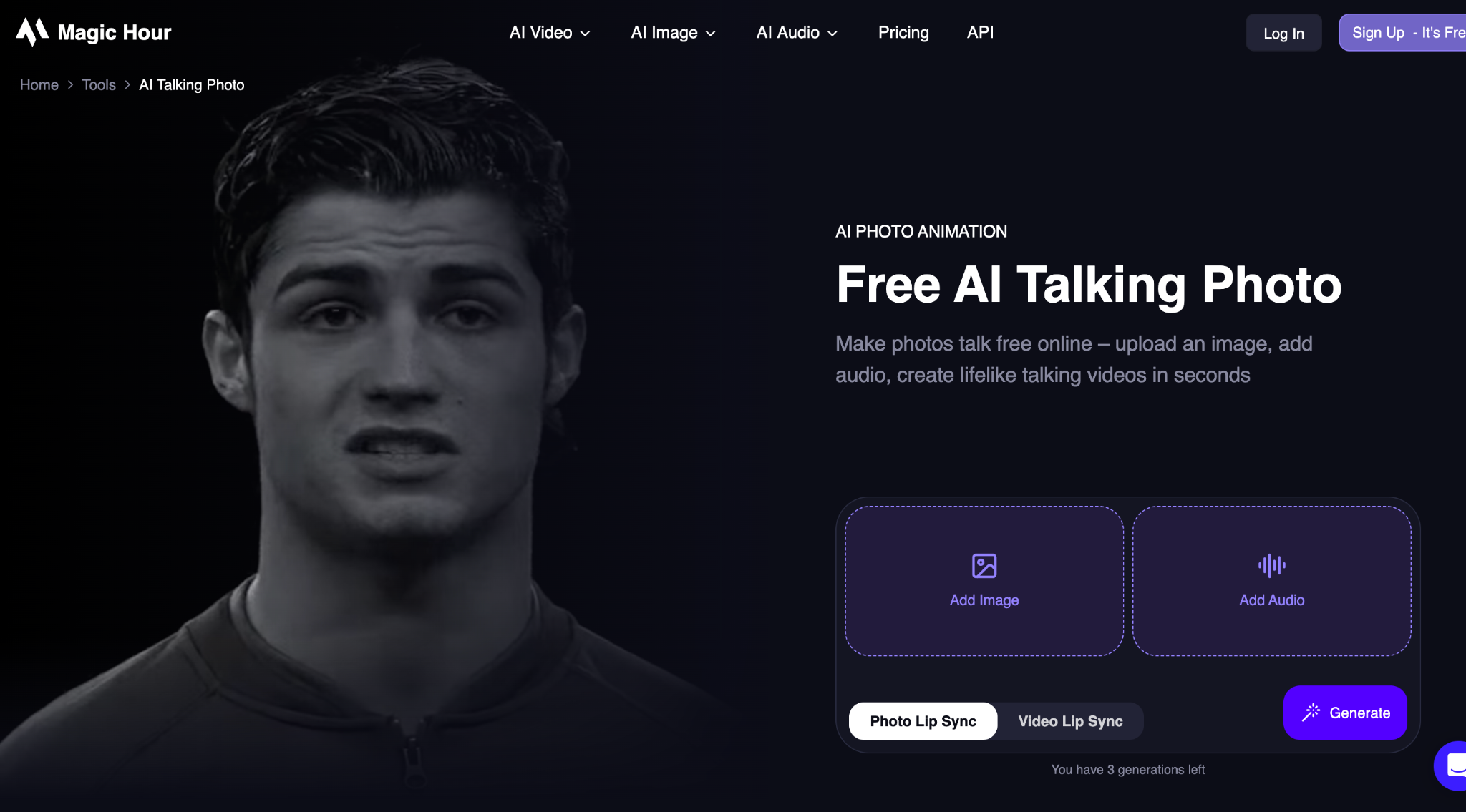
Magic Hour takes a more practical approach to image talking AI, making it easy to turn a single photo into a realistic talking video with natural facial expressions and accurate lip synchronization.
Simply upload a portrait, add a voice recording or AI-generated speech, and the platform animates the image automatically. It’s well suited for creating personalized messages, marketing campaigns, educational content, social media posts, and digital storytelling without requiring animation or video editing skills.
Unlike traditional animation software, Magic Hour focuses on speed and accessibility. Everything runs in the browser, allowing creators to produce professional-quality talking videos in minutes. The platform also includes face swap, image-to-video, lip sync, AI video generation, character replacement, and image editing tools, making it a complete AI creative suite.
The trade-off is that results depend on the quality of the source image and audio. High-resolution photos with clear facial visibility generally produce the most natural animations.
Magic Hour is an excellent choice for creators, marketers, educators, and businesses looking to bring static images to life quickly while maintaining realistic facial movement and expressive speech.
Feature-By-Feature Cheat Sheet
You’ve met each tool on its own terms.
Now let’s line them up to see how money, speed, and rights compare.
Feature | Ima Studio | Plazmapunk | Neural Frames | Kaiber | Atlabs | Freebeat | One More Shot |
Free export length | Unlimited | Unlimited | 10 s | ≈ 15 s | ≈ 60 s | 60–90 s | One full track |
Watermark on free tier | No | No | Yes | No | Yes | Small logo | No (first) |
Max free resolution | 1080 p | 720–1080 p | Base res | 1080 p | 720 p | 720 p | 1080 p |
Top paid resolution | 4 K (road map) | 4 K | 4 K | 1080 p | 1080 p | 1080 p | 1080 p |
Beat-sync accuracy | Good | Moderate | Frame-level | Manual | High | Best-in-class | Good |
Lyric / caption support | Prompt only | None | Auto extraction & captions | None | Auto lipsync | Kinetic text | Kinetic text |
Direct Suno URL import | No | No | No | No | Yes | Partial | Yes |
Typical render time (3-min 1080 p) | 3–6 min | 2–4 min | ≈ 10 min (5-min 4 K) | 45–60 min | 5–7 min | 2–3 min | 4–6 min |
Learning curve | Low | Lowest | High | Medium | Low | Lowest | Low |
Commercial rights (paid) | Yes | Yes | Yes | Yes | Yes | Yes | Yes |
A few patterns stand out.
- True free exports without a watermark only appear in Segment A. Everything else either trims the clip or adds a logo until you pay.
- Resolution rises with price and render time. Neural Frames and Kaiber chase 4 K or painterly detail, so queues run longest. Freebeat and Plazmapunk favor speed over pixels, ideal for social loops.
- Workflow friction differs. Atlabs alone accepts a Suno link, letting you skip the download and reupload shuffle when a release clock is ticking.
Glance back at your priorities—budget, polish, deadline—and the best choice will surface quickly.
How To Pick (Or Combine) The Right Tool
Great gear only matters when it fits your release plan.
Use these quick rules of thumb as you map the tools to tomorrow’s deadlines.
Start free, validate vibe
If you’ve never paired visuals to your music, run a thirty-second snippet through Ima Studio or Plazmapunk first. You’ll see whether animated art lifts the track or distracts from it—without touching the credit card.
Match polish to platform
Short-lived TikTok trends rarely need 4K cinema. A snappy Freebeat loop wins more scrolls than a high-render Neural Frames epic; the algorithm crops to 720 × 1280 anyway. Save the heavy lifts for YouTube premieres, press releases, or LED backdrops where every pixel counts.
Count the clicks in your workflow
Suno → Atlabs skips two manual steps (download and reupload) and buys back five minutes per song. Over an album cycle that’s hours you can spend on community replies, not file management.
Budget for render time, not just money.
Kaiber’s painterly frames impress viewers, but an overnight queue is normal for a three-minute track. If you promise a same-day Patreon drop, lean on Freebeat or One More Shot instead.
Mix when one tool hits its ceiling
Some creators export a beat-synced skeleton from Freebeat, then drop that clip into Kaiber as a style reference. The timing stays locked while visual flair climbs fast. Experiment; the only cost is a few extra minutes of render time.
Finally, never miss the fine print on rights.
Most platforms grant commercial usage once you pay, but free tiers vary. If you plan to monetize the video, confirm the license before it ships to distributors.
Conclusion
Turning a Suno track into a finished video no longer forces a choice between your budget and your deadline. When cost is the only limit, Ima Studio and Plazmapunk export full-length, watermark-free clips for nothing. When a release deserves broadcast polish, Neural Frames and Kaiber trade a steeper learning curve for 4 K, audio-reactive control. And when the clock is winning, Atlabs, Freebeat, and One More Shot ship a social-ready cut in minutes—Atlabs even straight from your Suno link.
Run a free thirty-second test to confirm the vibe, match the level of polish to the platform you’re posting on, and combine tools whenever one hits its ceiling. Follow these cues and you’ll land on a toolset that amplifies your sound without stealing your schedule.